
Utilities
Text Lens
Selects an area of the screen and returns the text inside it.
Paid$6 one-time on the Mac App Store.macOS

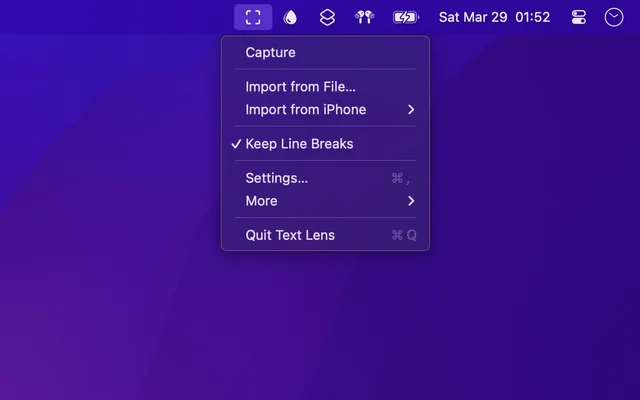
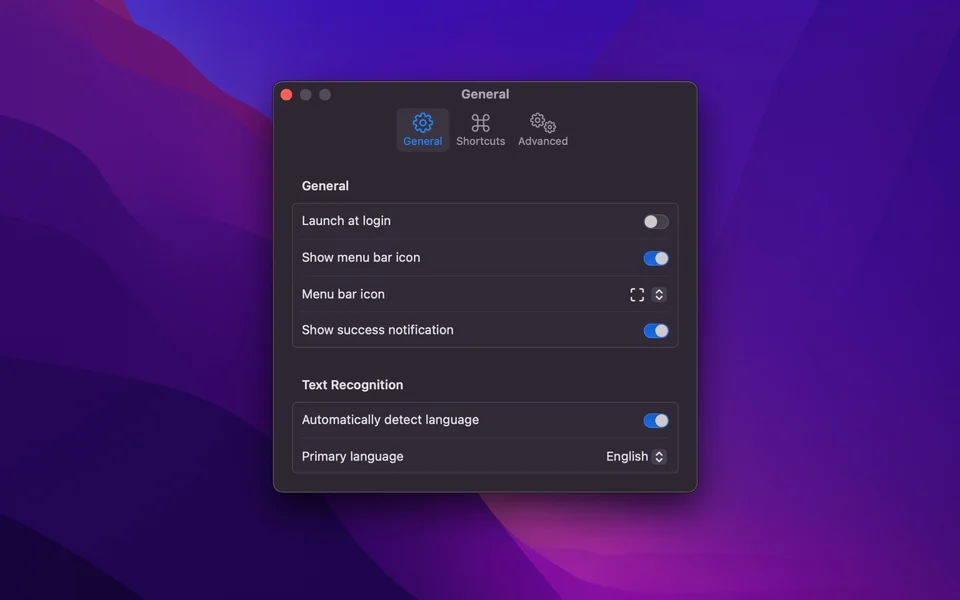
About
Text Lens takes text that cannot be selected, such as the words in an image, a video frame, a PDF scan, or a slide, and hands it back as text you can edit. You draw a box around the area and the words are read from it, which is the difference between retyping a paragraph and pasting it. Nothing needs to be uploaded first.
- Price
- Paid, $6 one-time on the Mac App Store.
- Payment
- One-time purchase
- Platforms
- macOS
- Category
- Utilities
Featured badge
Make Text Lens yours: show the badge on its site and the listing marks itself as linked back.

HTML
<a href="https://macgrove.app/apps/text-lens">
  <img src="https://macgrove.app/badge/text-lens.svg" alt="Featured on MacGrove" width="263" height="32" />
</a>
Markdown
[](https://macgrove.app/apps/text-lens)Similar apps
- TextSniper
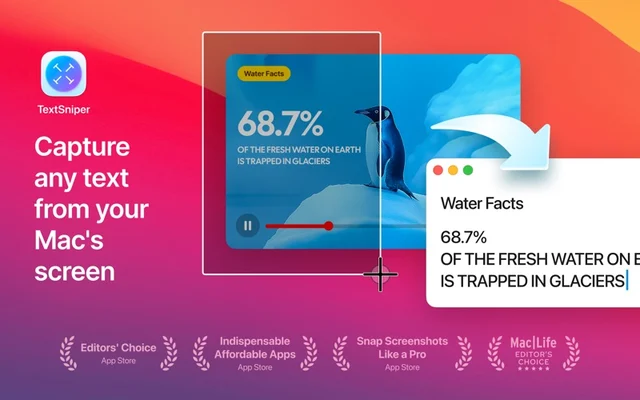
 TextSniperTurns any text on screen into text you can select and paste.Paid
 - Buffer
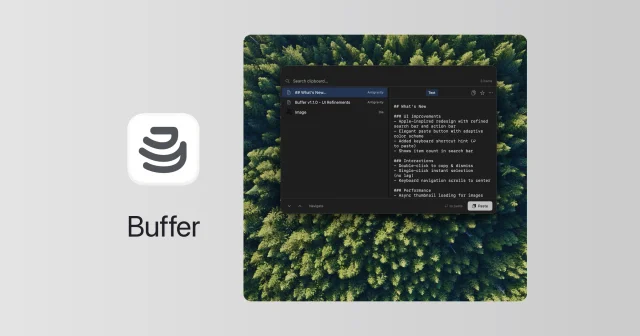
 BufferFree, open-source clipboard history that also reads the text in copied images.Free
 - Pure Paste
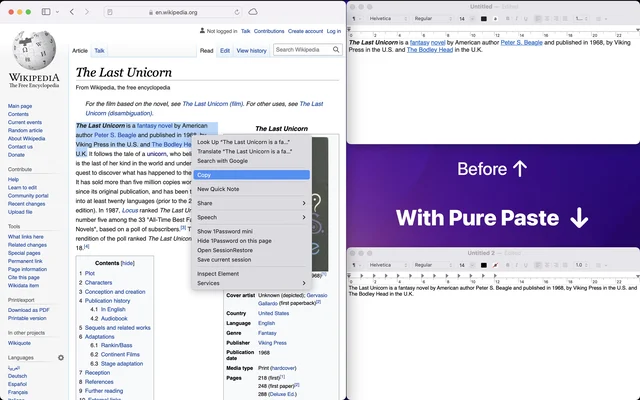
 Pure PastePastes as plain text without the formatting you copied.Paid
 - Shottr
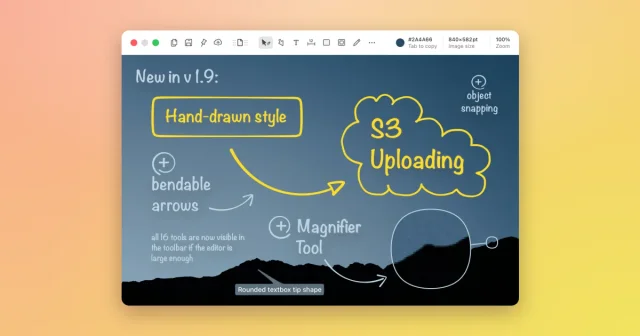
 ShottrTop pickA fast screenshot tool with scrolling capture, OCR, pixel measuring, and annotations.Freemium
 - Any Text
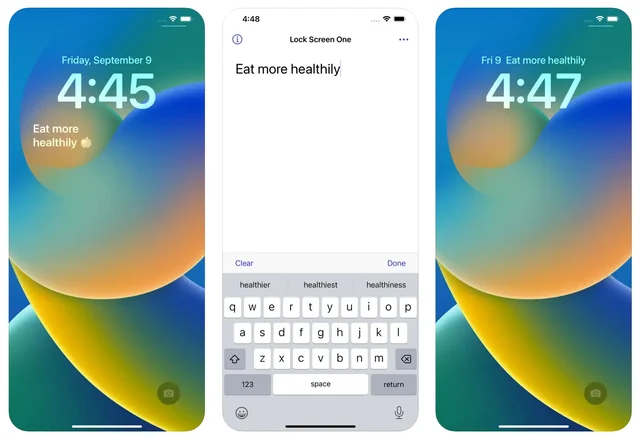
 Any TextPuts a line of text on your desktop and Lock Screen.Paid
 - PopClip
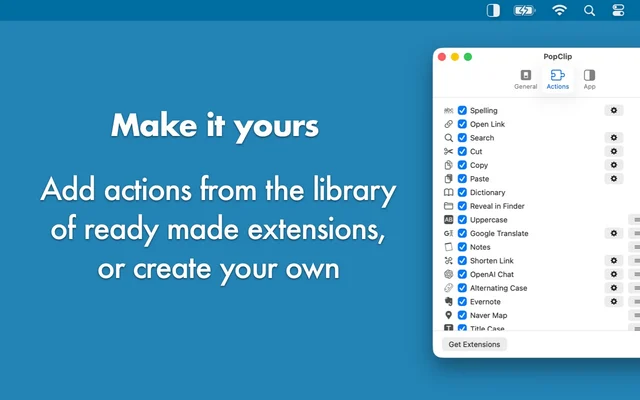
 PopClipActions for any text you select, right where you selected it.Paid
 - Picser
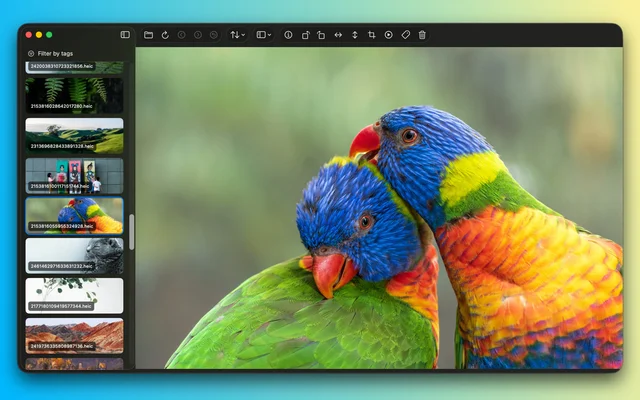
 PicserThe finishing steps before a screenshot goes out: crop, annotate, frame.Freemium
 - PDFgear

 PDFgearFree PDF editor that also reads, merges and converts documents.Free