
Screenshots & Recording
Shottr
About
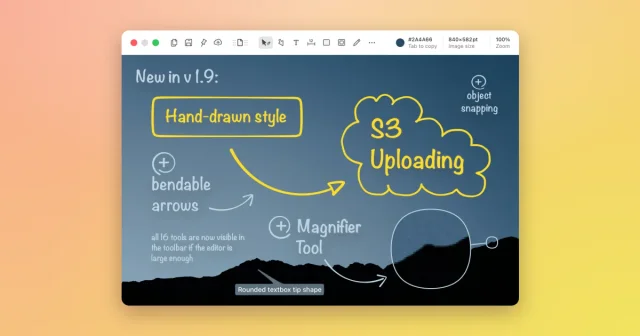
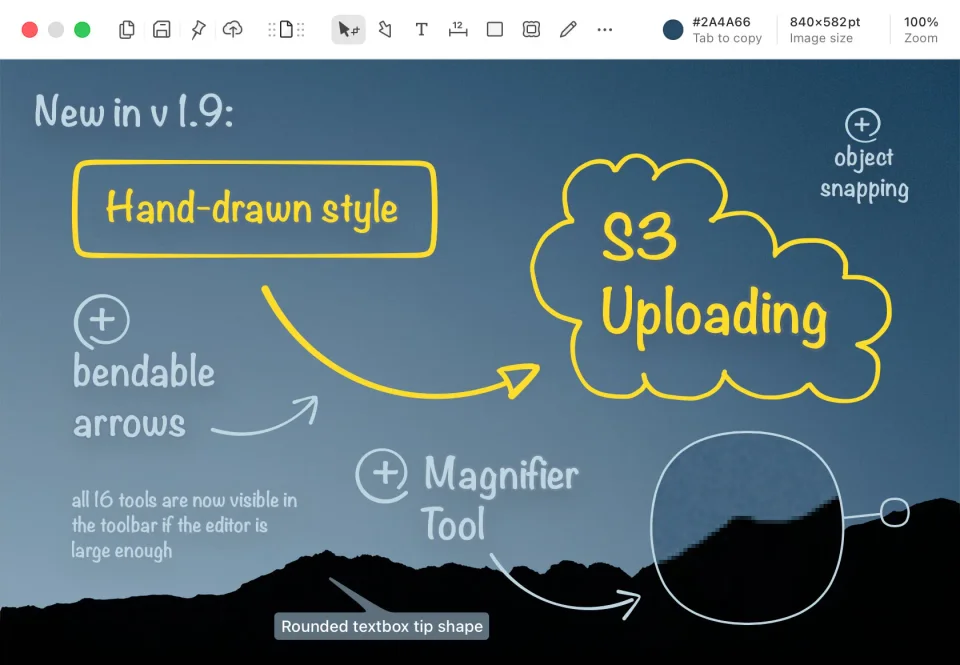
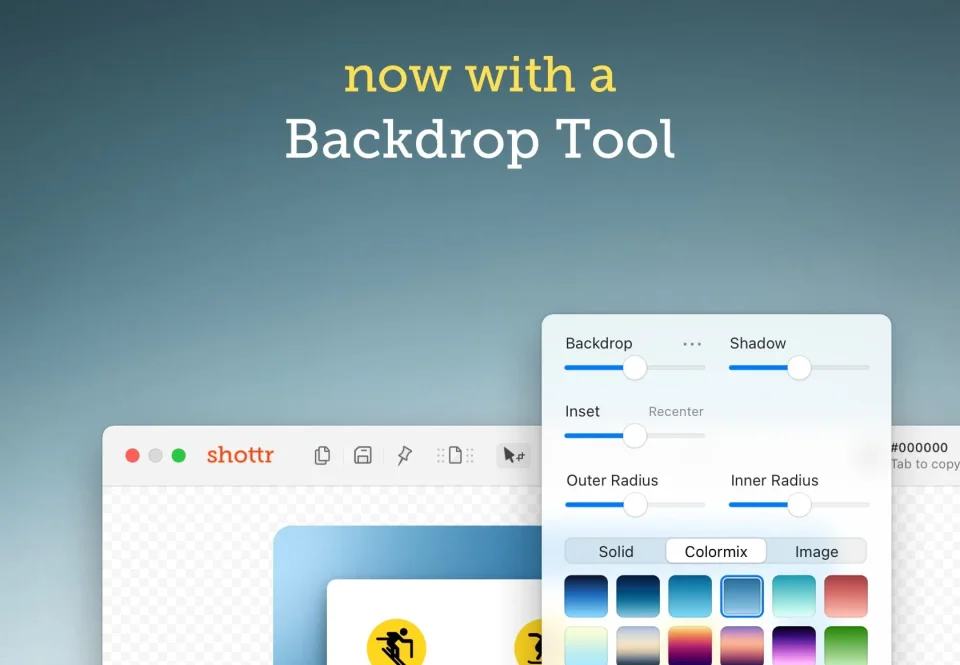
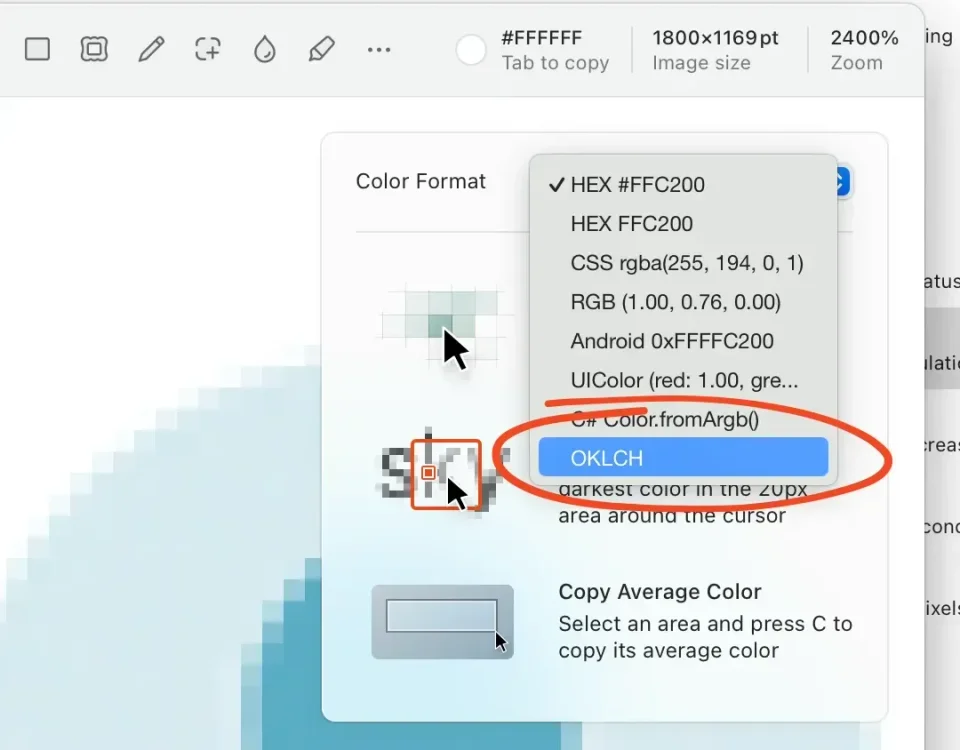
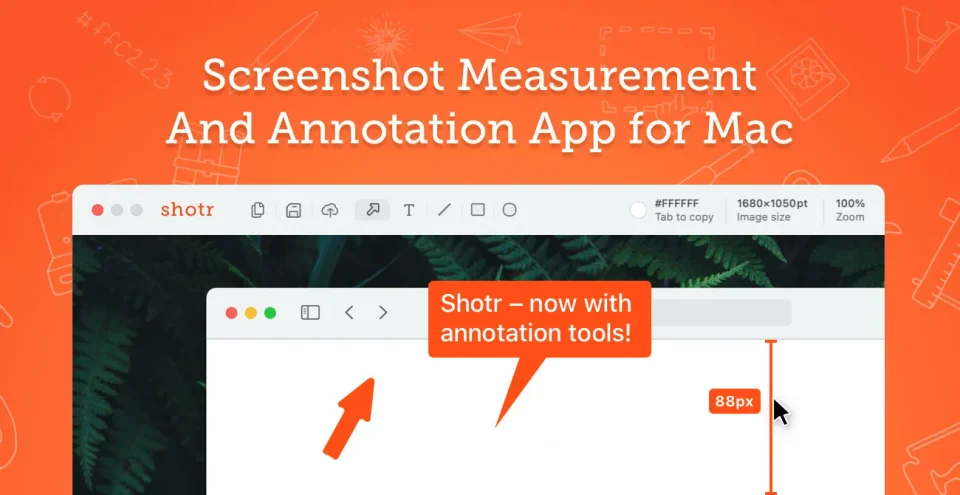
Shottr captures the screen in milliseconds and does far more than the built-in tool: scrolling capture for long pages, OCR to pull text from images, pixel measurements, a color picker, annotations with arrows, text, blur, and highlights, image stitching, and screenshots pinned on top of other windows. It can replace the default Cmd-Shift-4 workflow entirely.
- Price
- Freemium, Free with upgrade reminders after 30 days; Basic $12 one-time (required for commercial use), Friends Club $30
- Payment
- One-time purchase, with in-app purchases
- Platforms
- macOS
- Category
- Screenshots & Recording
Featured badge
Make Shottr yours: show the badge on its site and the listing marks itself as linked back.

HTML
<a href="https://macgrove.app/apps/shottr">
  <img src="https://macgrove.app/badge/shottr.svg" alt="Featured on MacGrove" width="234" height="32" />
</a>
Markdown
[](https://macgrove.app/apps/shottr)Similar apps
- Xnip
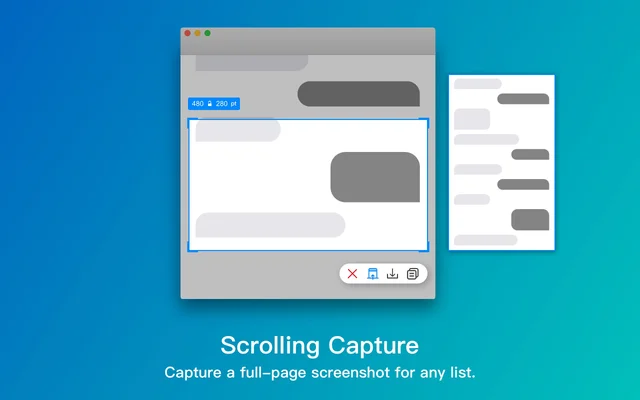
 XnipScreenshots with annotation, scrolling capture and OCR.Freemium
 - CleanShot X
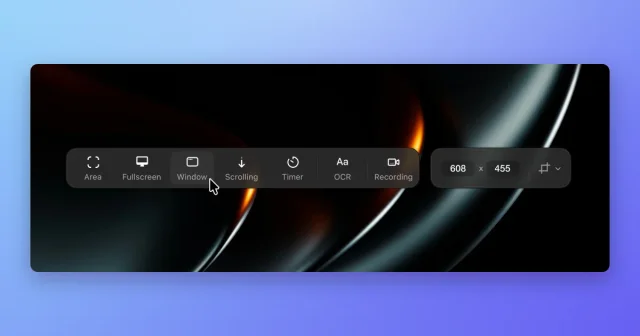
 CleanShot XScreenshot, annotate, record, and upload from one toolbar, with scrolling capture.Paid
 - Frameclip
 FrameclipCapture, mark up, and paste a screenshot into your agent.Free
 - Shotbase
 ShotbaseA modern workspace for capturing, editing and sharing screenshots.Paid
 - Picser
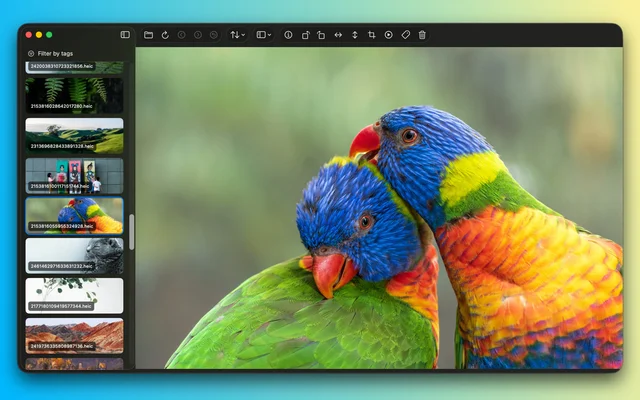
 PicserThe finishing steps before a screenshot goes out: crop, annotate, frame.Freemium
 - TextSniper
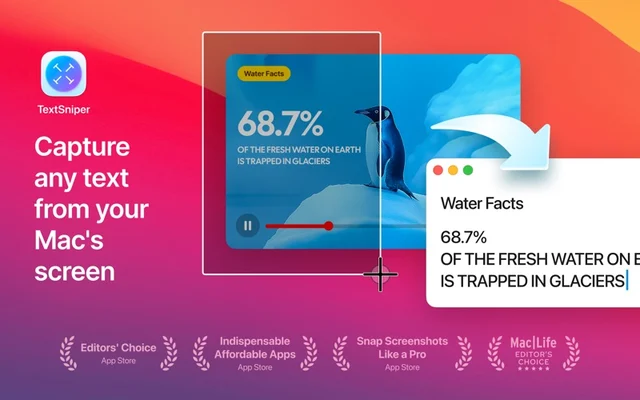
 TextSniperTurns any text on screen into text you can select and paste.Paid
 - Screen Charm
 Screen CharmA Mac screen recorder for videos that look finished.Paid
 - Screenflick
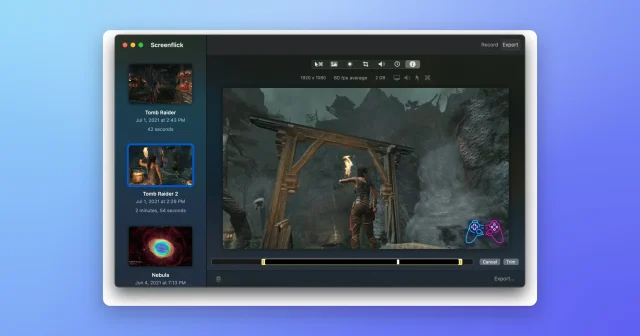
 ScreenflickMac screen recorder with audioPaid