
Window Management
Loop
v1.4.2



About
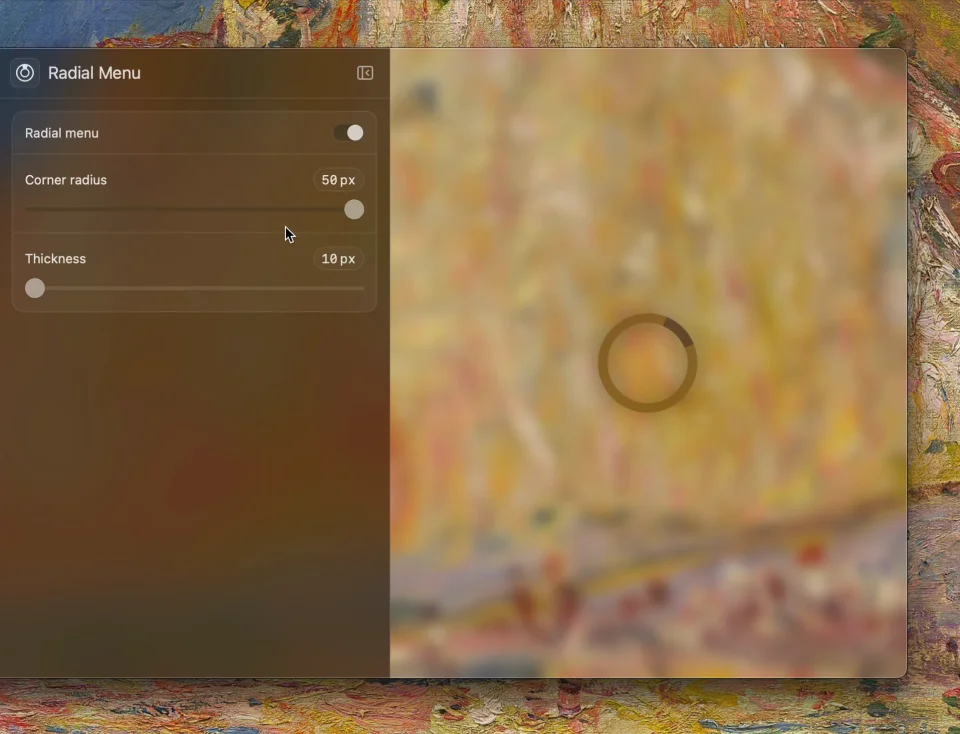
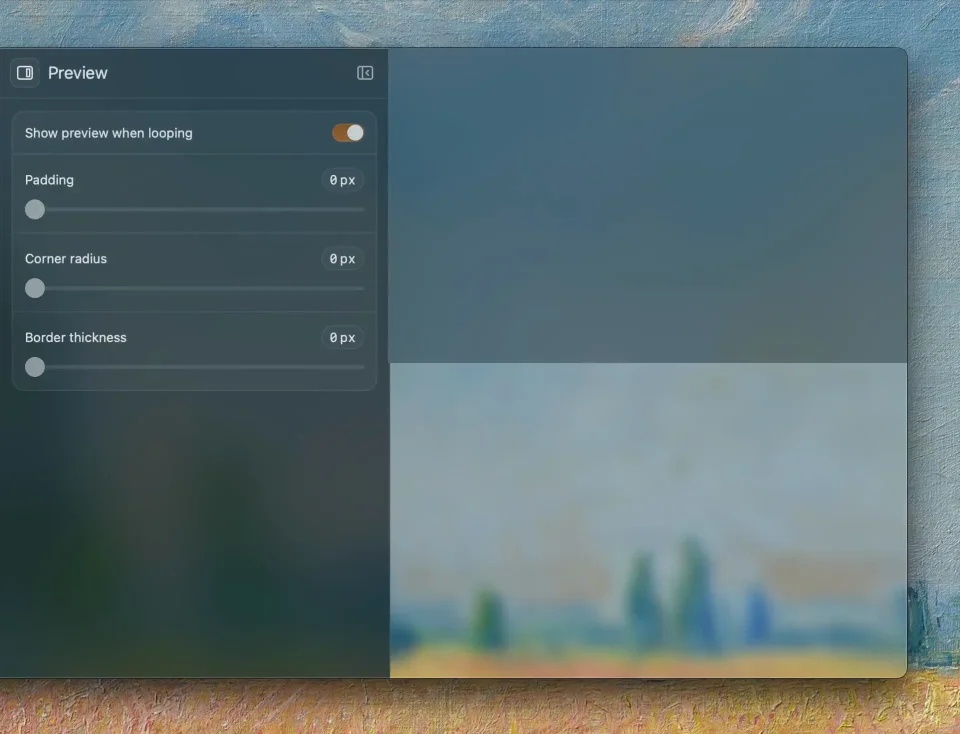
Loop wraps window management in a radial menu: hold a key, a ring of directions appears around the cursor, and you drag toward the size and position you want while a live preview shows the result before you let go. Every action also has its own shortcut and its own animation, so half, third, quarter, centre, maximise and custom cycles can be triggered without thinking about where the cursor is, and screen-edge triggers cover the cases where one gesture is easier than a chord. It lives in the menu bar, hides configuration in a small settings window rather than a plist, and is free and open source. It needs macOS 13 or later.
- Price
- Free, Free, no paid tier; donations welcome
- License
- GPL-3.0
- Version
- 1.4.2
- Platforms
- macOS
- Category
- Window Management
Featured badge
Make Loop yours: show the badge on its site and the listing marks itself as linked back.

HTML
<a href="https://macgrove.app/apps/loop">
  <img src="https://macgrove.app/badge/loop.svg" alt="Featured on MacGrove" width="224" height="32" />
</a>
Markdown
[](https://macgrove.app/apps/loop)Similar apps
- Rectangle
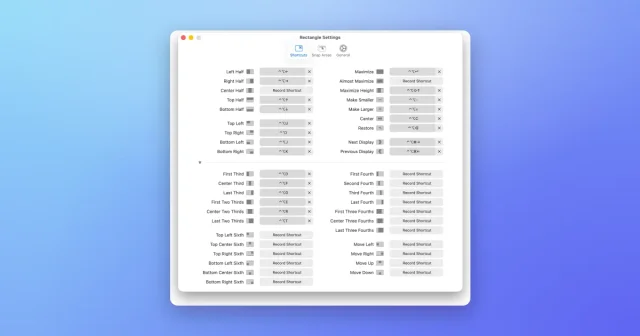
 RectangleMove and resize windows with keyboard shortcuts and snap areas.Free
 - Radial

 RadialA radial launcher for the things you do constantly.Paid
 - ScreenPlace
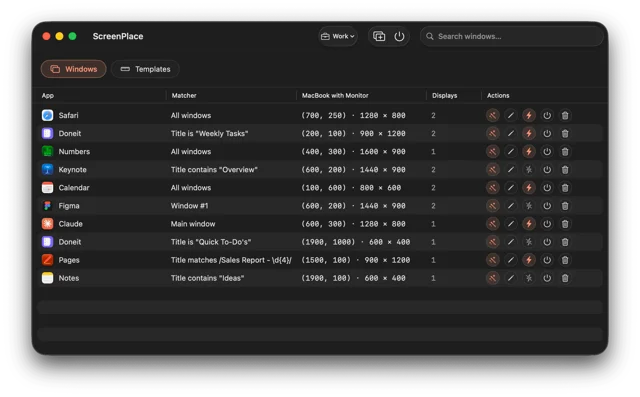
 ScreenPlaceRemembers where every window belongs and puts it back automatically.Freemium
 - Taskbar
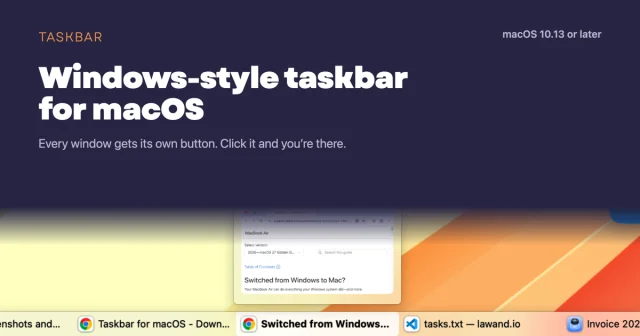
 TaskbarTaskbar for macOS: Windows-style taskbar and Start menuFree
 - Moom
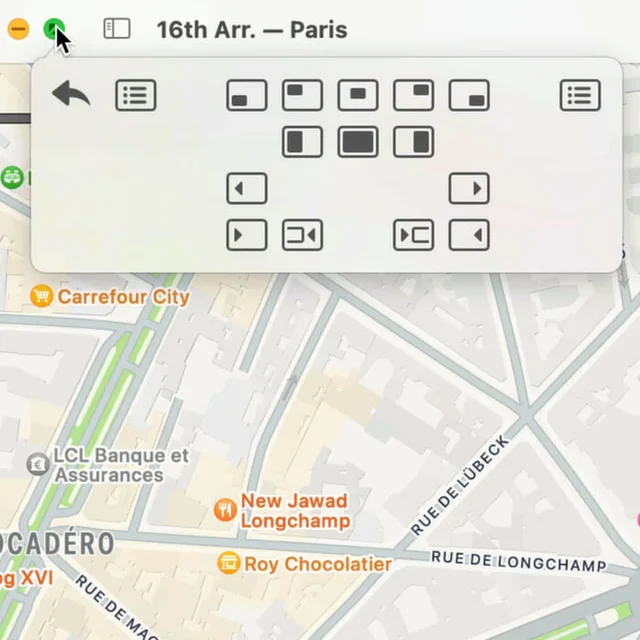
 MoomWindow control from a palette, a shortcut, or the green button.Paid
 - Open Contexts

 Open ContextsA free window switcher that lists every window, not just every app.Free
 - Magnet
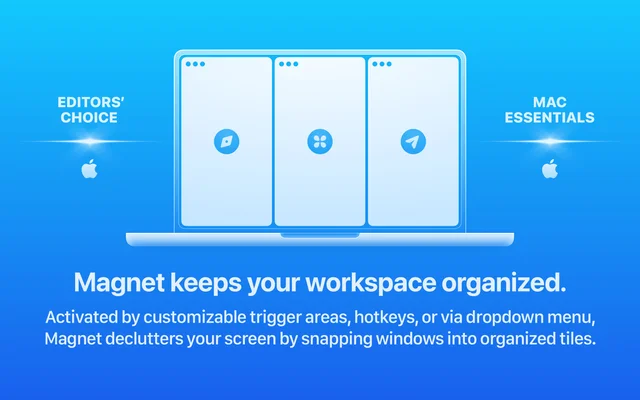
 MagnetSnaps windows into place with a shortcut or a drag.Paid
 - Pie Menu

 Pie MenuA wheel of shortcuts that appears under the pointer.Freemium