
Files & Finder
Command X
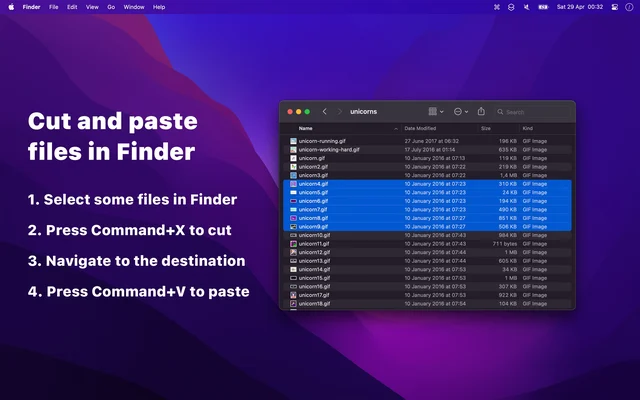
Makes Command X cut files in Finder instead of copying them.
Paid$4 one-time on the Mac App Store.macOS

About
Finder still treats Command X on a file as a copy, leaving you to delete the original yourself. Command X changes that: cut a file and paste it somewhere else and it moves, the way it does on every other desktop. It runs in the background and needs no interface of its own.
- Price
- Paid, $4 one-time on the Mac App Store.
- Payment
- One-time purchase
- Platforms
- macOS
- Category
- Files & Finder
Featured badge
Make Command X yours: show the badge on its site and the listing marks itself as linked back.

HTML
<a href="https://macgrove.app/apps/command-x">
  <img src="https://macgrove.app/badge/command-x.svg" alt="Featured on MacGrove" width="282" height="32" />
</a>
Markdown
[](https://macgrove.app/apps/command-x)Similar apps
- Cling
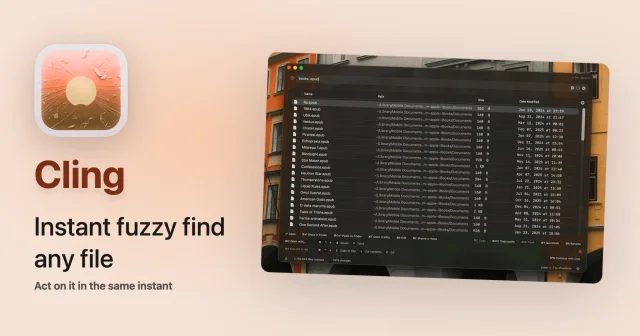
 ClingInstant fuzzy file search from its own index, results as you type.Freemium
 - Cosmil
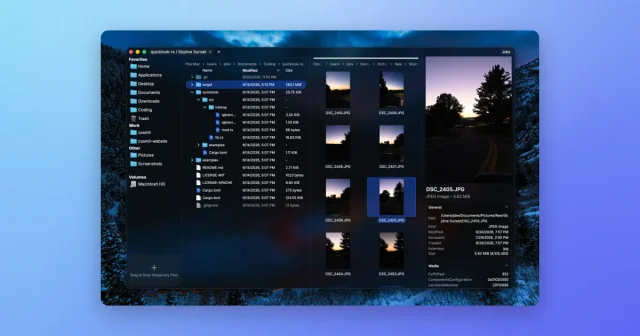
 CosmilA Finder alternative with resizable panes, real cut and paste, and a job queue.Paid
 - Hazel
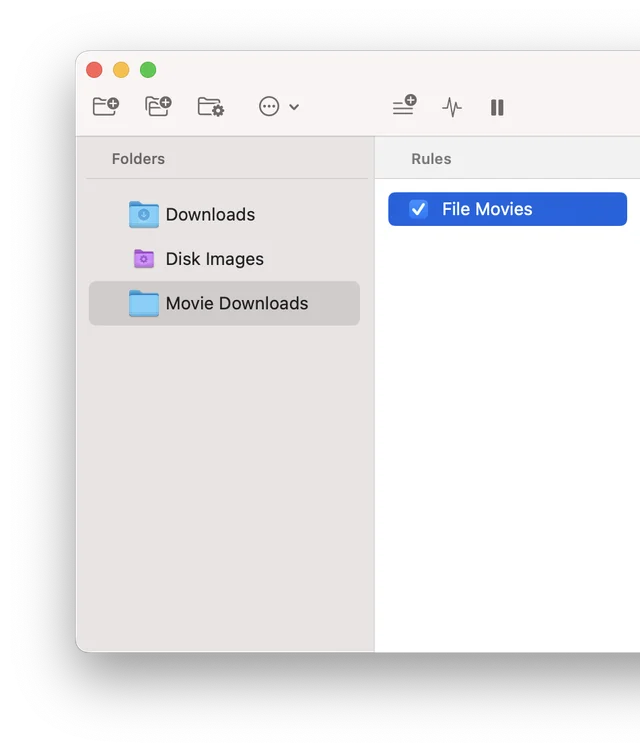
 HazelWatches folders and files things automatically by rule.Paid
 - Folder Hub
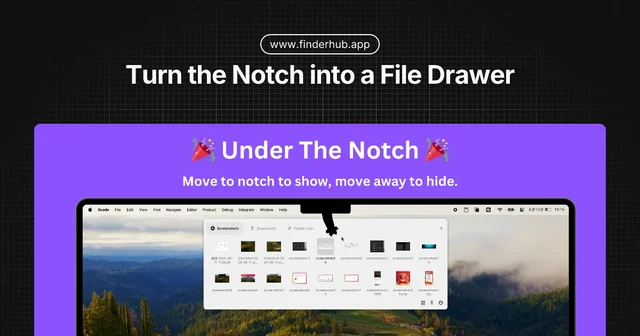
 Folder HubOpens a file browser right where your pointer already is.Freemium
 - Mac Explorer
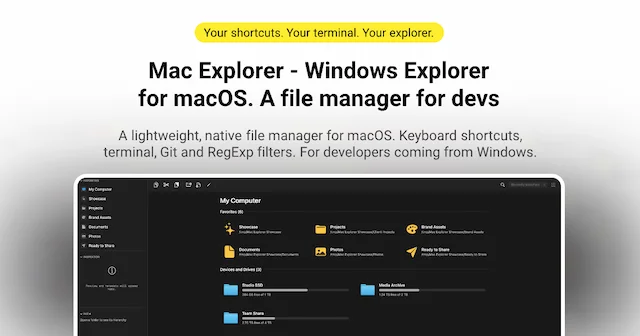
 Mac ExplorerWindows Explorer-style file manager, native on macOSPaid
 - Find Any File
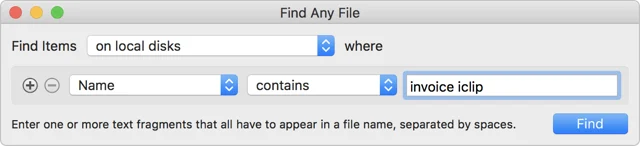
 Find Any FileSearches the places Spotlight will not show you.Paid
 - ClearCut
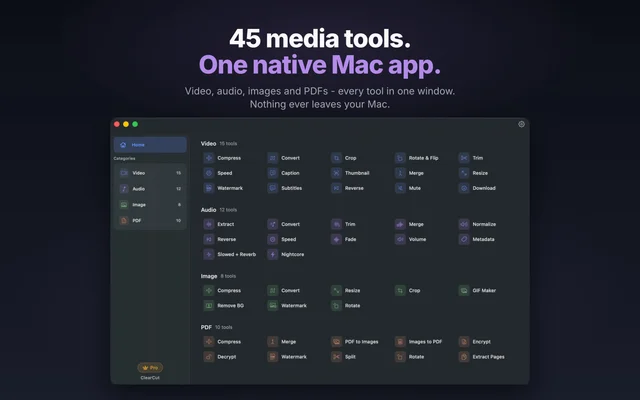
 ClearCutA local toolkit of media conversions behind one window.Freemium
 - Just Copy
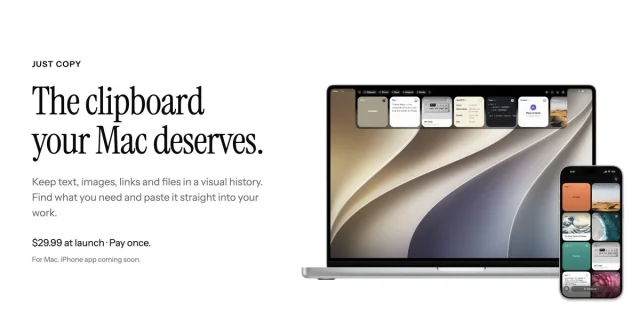
 Just CopyEverything you've copied, always within reach: a clipboard manager in your Mac's notchPaid