Files & Finder
Mac Explorer
Windows Explorer-style file manager, native on macOS
Paid$9.99 one-time for 2 devices; 30-day free trial, no account neededmacOS
By Jakub Król
Also inDeveloper Tools
About
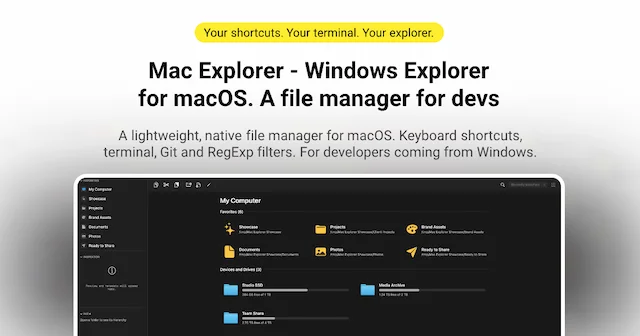
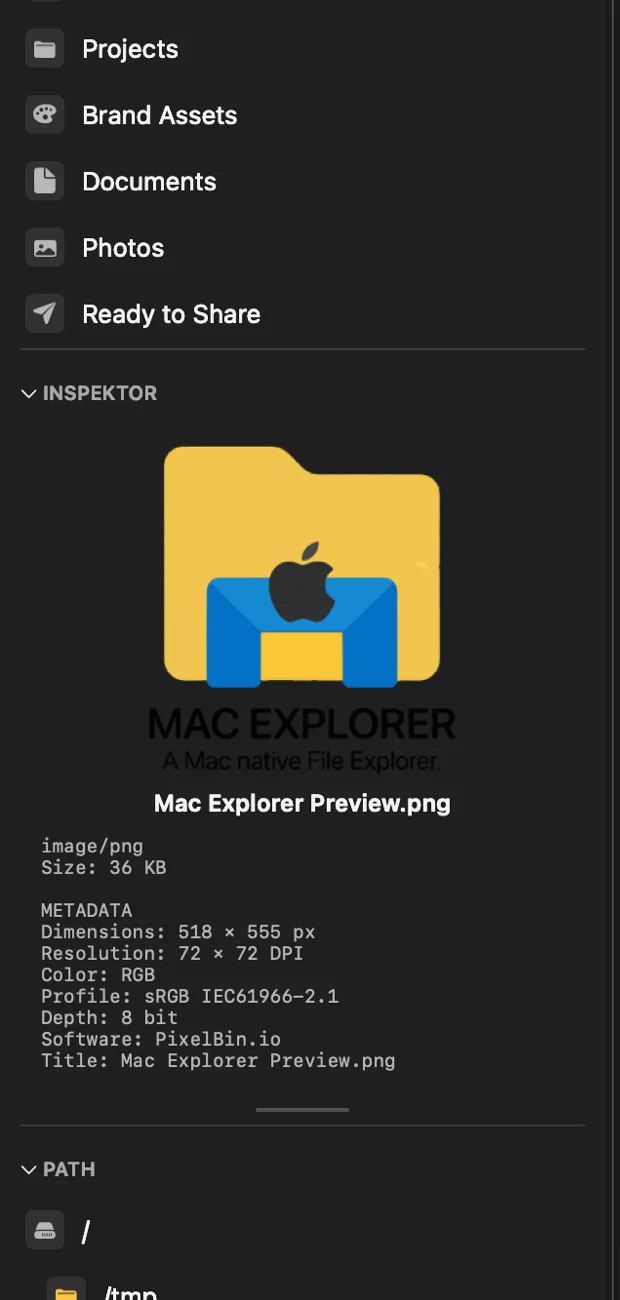
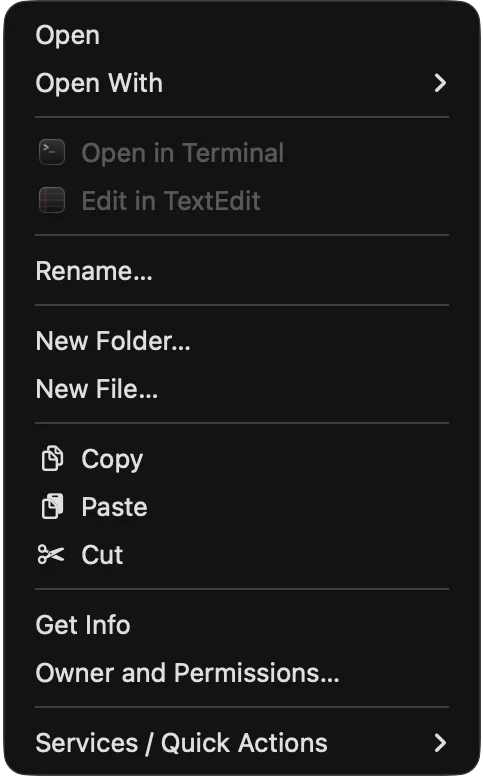
Mac Explorer is a native Swift and AppKit file manager for people who prefer Windows Explorer-style navigation on a Mac. Enter opens, F2 renames, and Delete moves files to the Trash. An editable address bar, New File and cut-and-paste sit alongside Quick Look, a terminal, Git status and regular-expression filters, in a focused single-pane interface.
- Price
- Paid, $9.99 one-time for 2 devices; 30-day free trial, no account needed
- Payment
- One-time purchase
- Platforms
- macOS
- Categories
- Files & FinderDeveloper Tools
Featured badge
Make Mac Explorer yours: show the badge on its site and the listing marks itself as linked back.

HTML
<a href="https://macgrove.app/apps/mac-explorer">
  <img src="https://macgrove.app/badge/mac-explorer.svg" alt="Featured on MacGrove" width="289" height="32" />
</a>
Markdown
[](https://macgrove.app/apps/mac-explorer)Similar apps
- FileNav
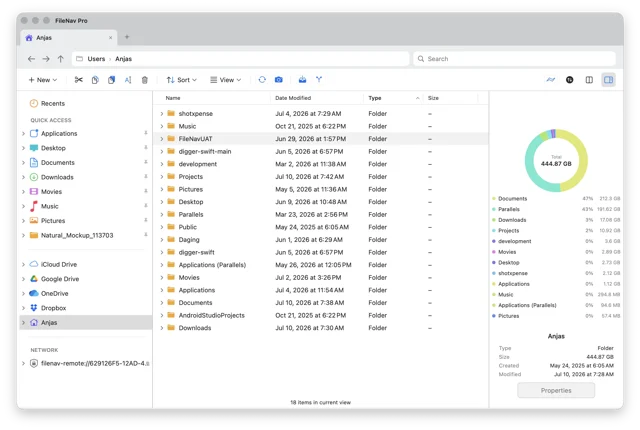
 FileNavA Mac file manager that keeps the Windows Explorer habits your hands know.Paid
 - Menuist
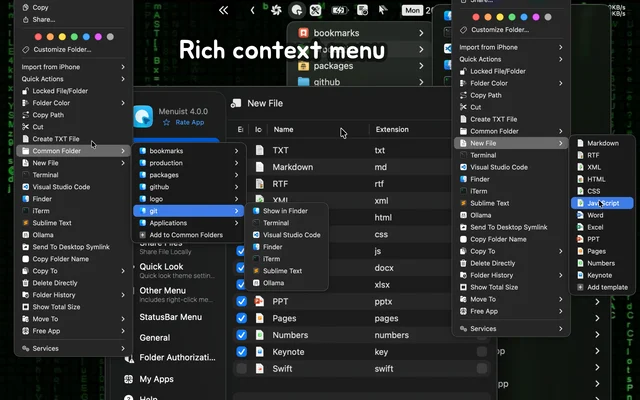
 MenuistA configurable Finder right-click menu, plus a file navigator in the menu bar.Freemium
 - Folder Hub
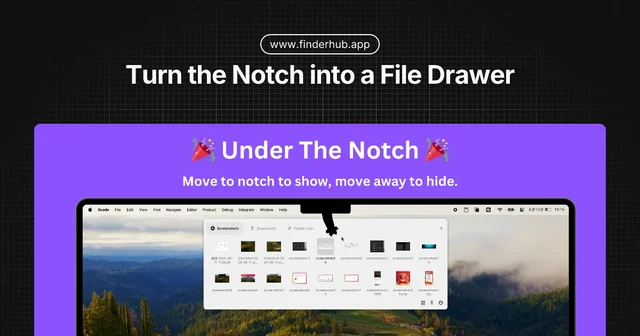
 Folder HubOpens a file browser right where your pointer already is.Freemium
 - Folder Peek
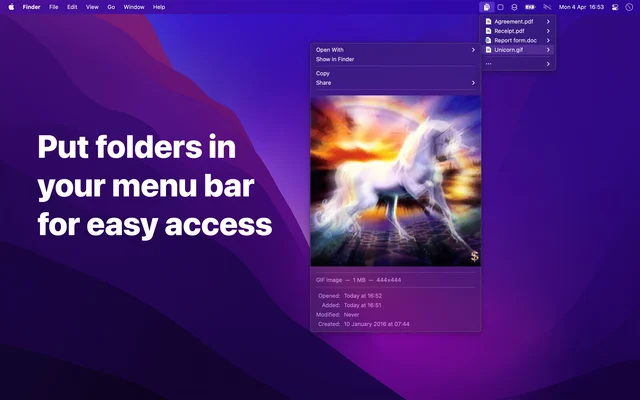
 Folder PeekPuts a folder in the menu bar, opened as a menu.Paid
 - Taskbar
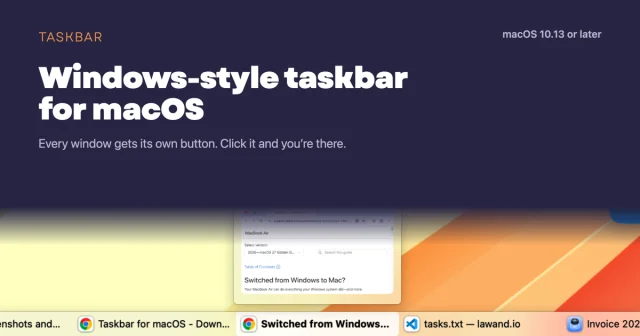
 TaskbarTaskbar for macOS: Windows-style taskbar and Start menuFree
 - Cosmil
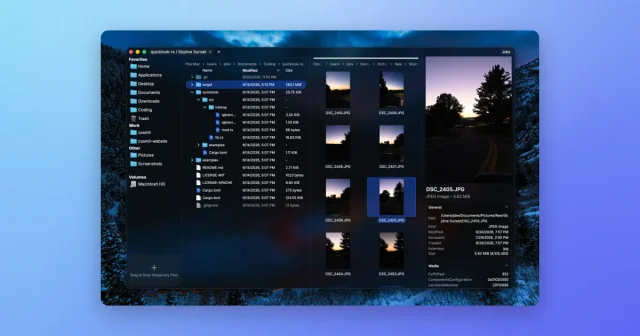
 CosmilA Finder alternative with resizable panes, real cut and paste, and a job queue.Paid
 - Rectangle
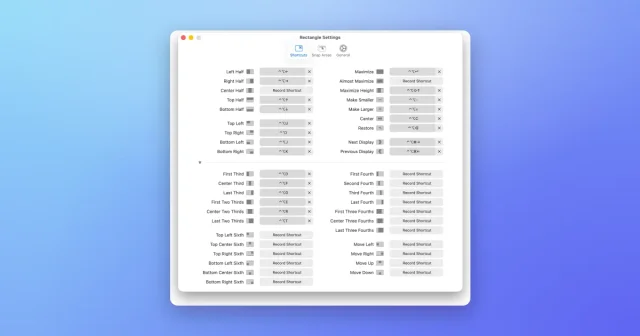
 RectangleMove and resize windows with keyboard shortcuts and snap areas.Free
 - Dropover
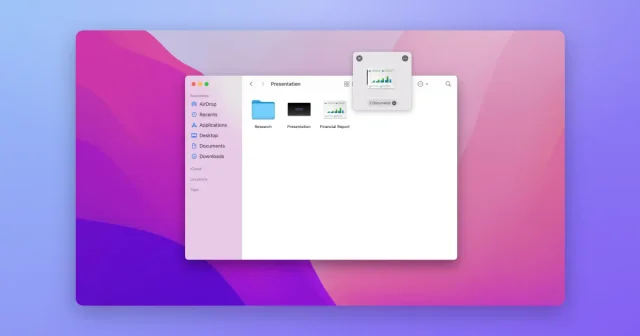
 DropoverA floating shelf that holds files while you drag them between apps.Freemium