
Dropover
A floating shelf that holds files while you drag them between apps.
FreemiumFree with a 3-second shelf delay after a 14-day trial; Pro $7.99 one-timemacOS

About
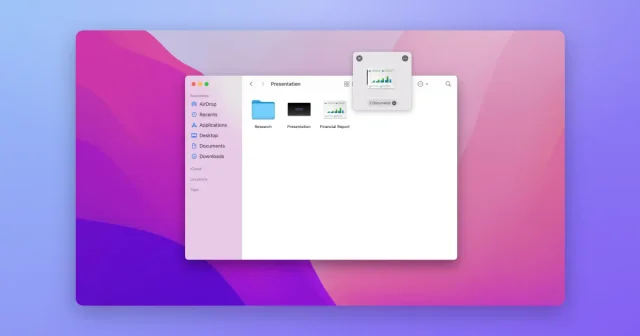
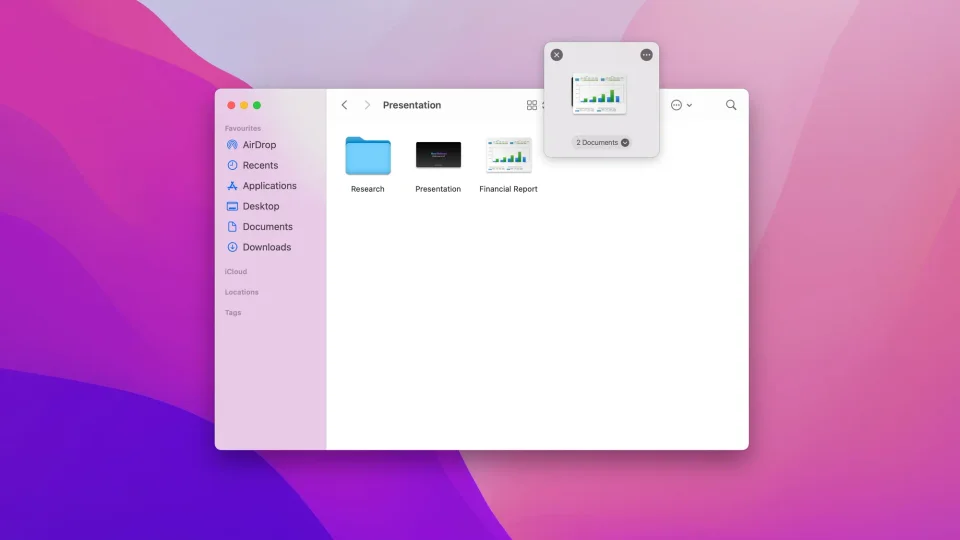
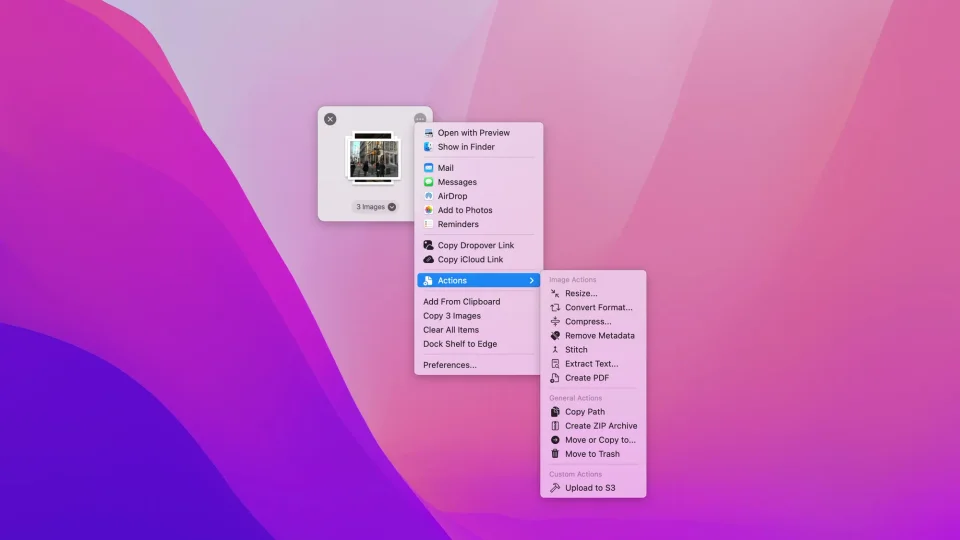
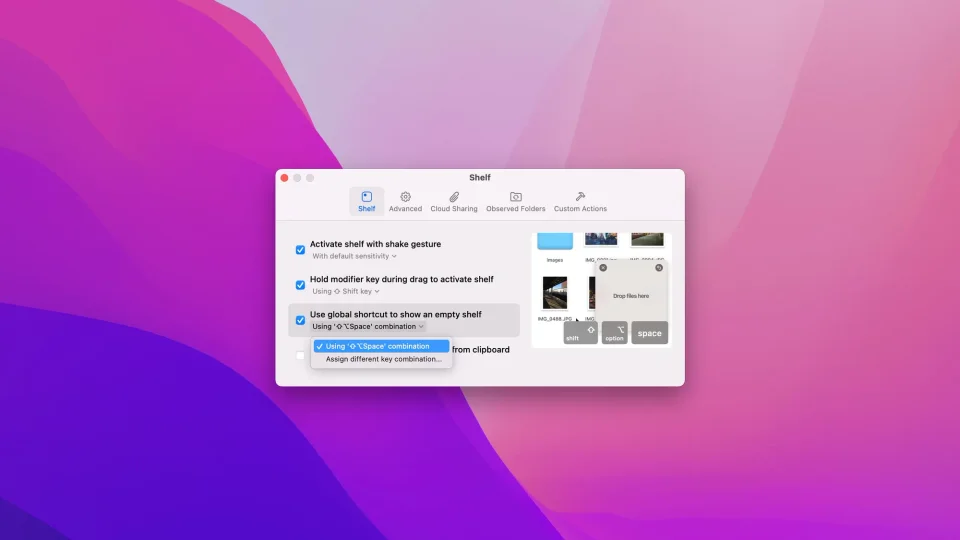
Dropover gives drag and drop somewhere to pause. Shake the cursor, press the shortcut or bump the edge of a window and a shelf appears; drop files, images, links or text onto it, carry on working, then drop everything from the shelf into the destination in one go. A shelf can be reopened later, stacked with others, given several slots and kept above other windows, and its context menu handles the small jobs — resize or convert an image, compress it, strip metadata, pull the text out of a picture, build a PDF or a ZIP — without opening another app. It is a free download with a 14-day trial, after which the only change is a short wait before each drop, and one purchase removes it. It needs macOS 13 or later.
- Price
- Freemium, Free with a 3-second shelf delay after a 14-day trial; Pro $7.99 one-time
- Payment
- One-time purchase, with in-app purchases
- Platforms
- macOS
- Category
- Files & Finder
Featured badge
Make Dropover yours: show the badge on its site and the listing marks itself as linked back.

<a href="https://macgrove.app/apps/dropover">
  <img src="https://macgrove.app/badge/dropover.svg" alt="Featured on MacGrove" width="256" height="32" />
</a>[](https://macgrove.app/apps/dropover)Similar apps
- Yoink
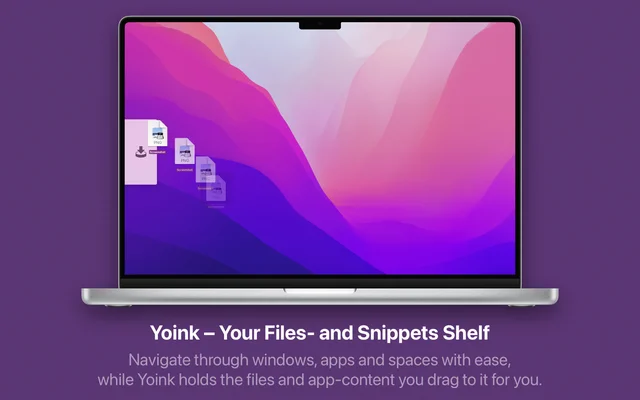
 YoinkA shelf that holds files while you move them between apps.Paid
 - Droppy
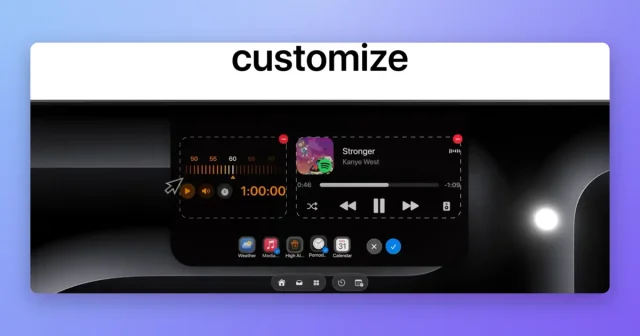
 DroppyA Dynamic Island for your Mac with a file tray, clipboard, and free extensions.Paid
 - Dockside
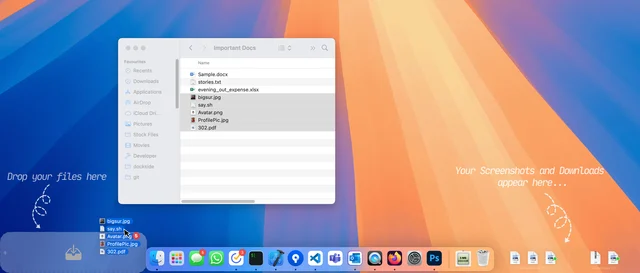
 DocksideA file shelf that holds what you drag onto it.Paid
 - Menu Drop
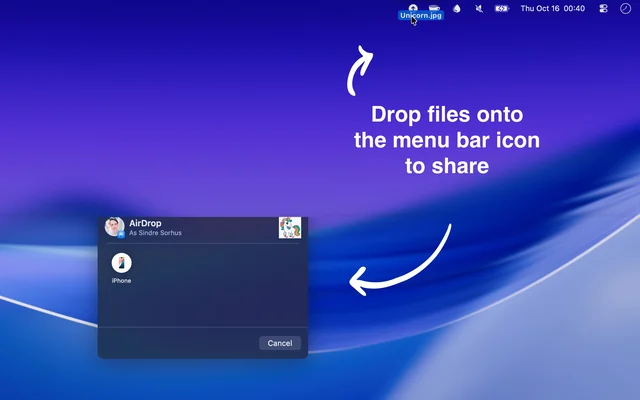
 Menu DropDrops files into the menu bar and AirDrops them on from there.Free
 - DropToDo

 DropToDoA menu bar to-do list you drop tasks onto from anywhere.Paid
 - Folder Hub
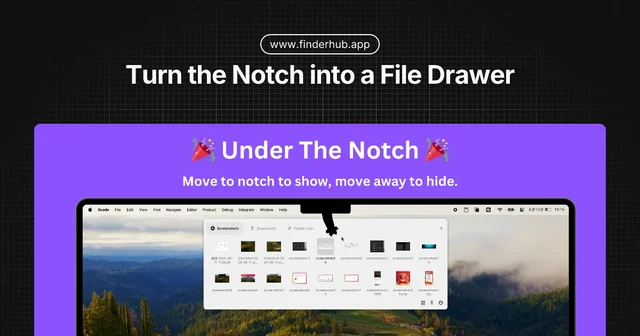
 Folder HubOpens a file browser right where your pointer already is.Freemium
 - Cling

 ClingInstant fuzzy file search from its own index, results as you type.Freemium
 - Mac Explorer
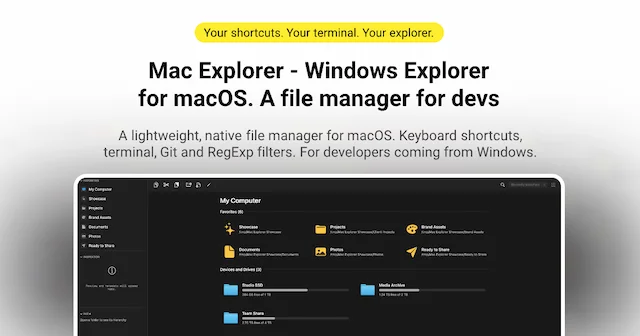
 Mac ExplorerWindows Explorer-style file manager, native on macOSPaid