
Menu Bar
Menu Drop
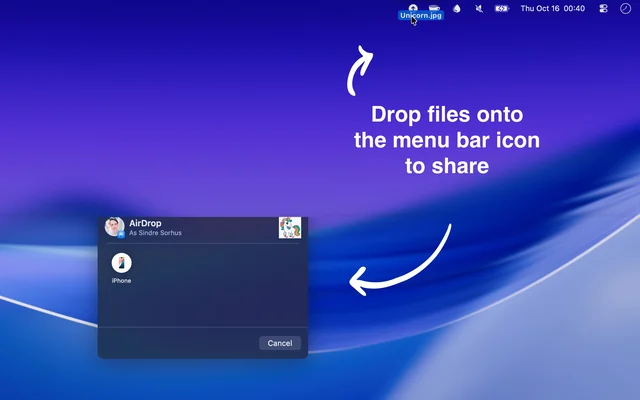
Drops files into the menu bar and AirDrops them on from there.
FreeFree on the Mac App Store.macOS

About
Menu Drop turns the menu bar into a place you can drag files onto. Drop something in and it waits there until you pick the device to send it to, which saves opening Finder to start an AirDrop. It is free and stays out of the way until you need it.
- Price
- Free, Free on the Mac App Store.
- Platforms
- macOS
- Category
- Menu Bar
Featured badge
Make Menu Drop yours: show the badge on its site and the listing marks itself as linked back.

HTML
<a href="https://macgrove.app/apps/menu-drop">
  <img src="https://macgrove.app/badge/menu-drop.svg" alt="Featured on MacGrove" width="270" height="32" />
</a>
Markdown
[](https://macgrove.app/apps/menu-drop)Similar apps
- DropToDo
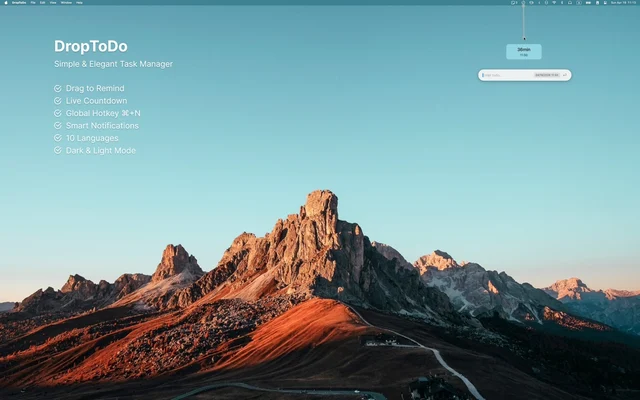
 DropToDoA menu bar to-do list you drop tasks onto from anywhere.Paid
 - Dropover
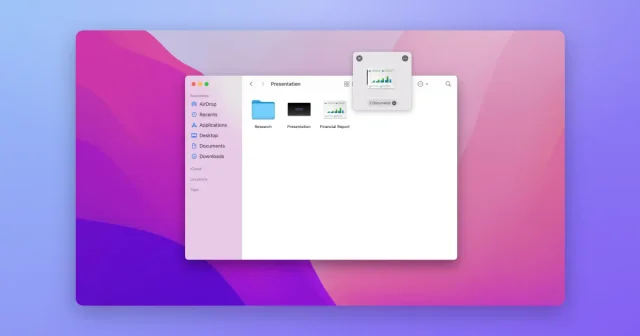
 DropoverA floating shelf that holds files while you drag them between apps.Freemium
 - Folder Peek
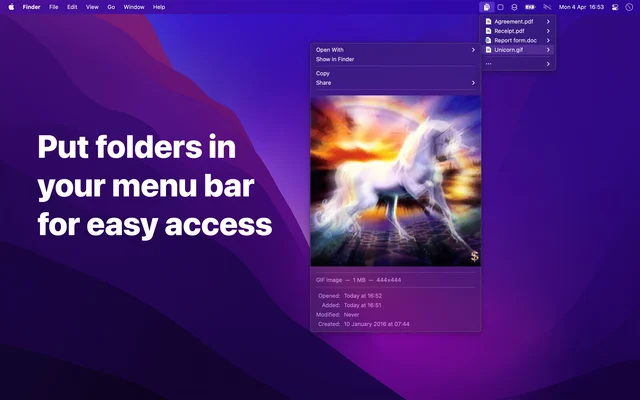
 Folder PeekPuts a folder in the menu bar, opened as a menu.Paid
 - Hidden Bar
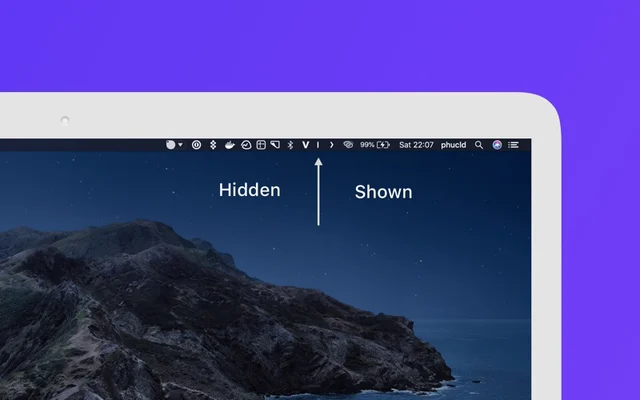
 Hidden BarHides the menu bar icons you do not need, behind a divider you can drag.Free
 - Thaw
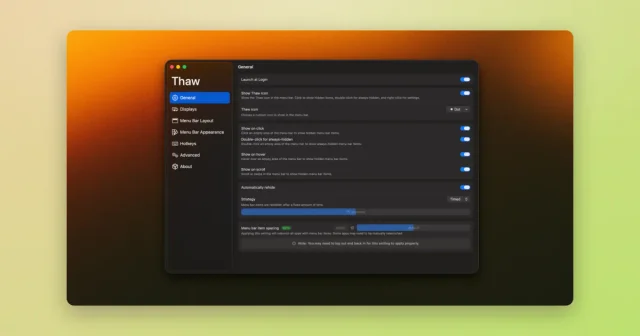
 ThawTop pickHide, reveal, and rearrange your Mac menu bar icons, with profiles and triggers.Free
 - NearDrop
 NearDropReceive and send Android Quick Share files on your Mac.Free
 - Short Run
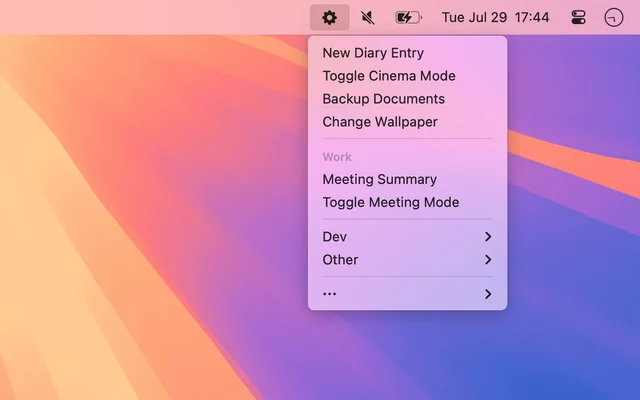
 Short RunRuns your shortcuts from a menu bar menu, grouped the way you want.Paid
 - Yoink
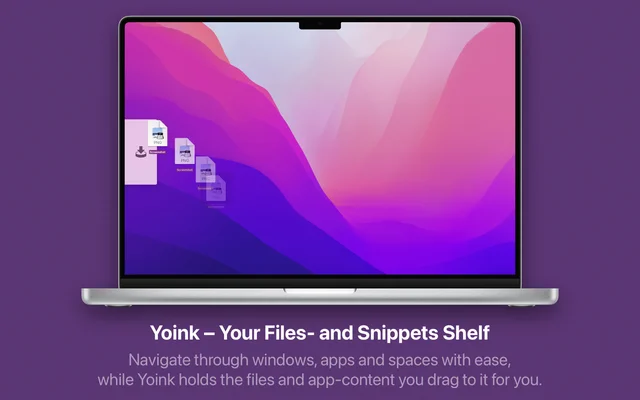
 YoinkA shelf that holds files while you move them between apps.Paid