
Screendrop
v0.36.0, released this weekNative screenshots, recordings and self-hosted sharing.
FreeOpen sourceFree, no paid tier; self-hostable sharingmacOSUpdated 4 days ago

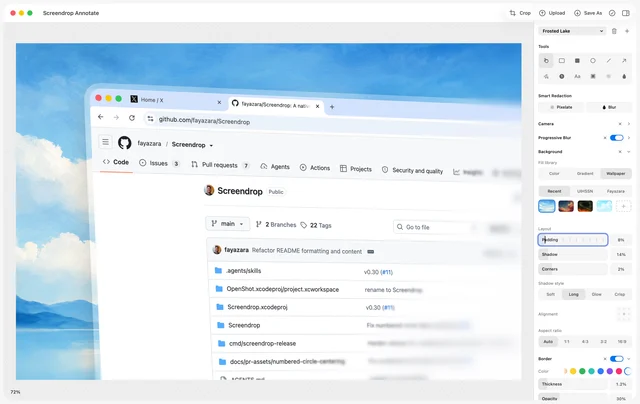
About
Screendrop is a menu bar app that combines screenshots, screen recording and Loom style video sharing in one native tool. Captures land in a floating preview stack where you can copy, pin, annotate, upload or delete them, and the editor adds smart redaction, wallpaper backgrounds, perspective effects and progressive blur. Recordings can include camera, microphone and system audio as separate tracks, with smooth zooms, keystroke captions, on-device transcription and a notch teleprompter. Sharing runs through your own Cloudflare account, and Apple Shortcuts and Siri can trigger captures. Needs macOS 26.4 or later.
- Price
- Free, Free, no paid tier; self-hostable sharing
- License
- CC0-1.0
- Version
- 0.36.0 · Oct 23, 2026
- Platforms
- macOS
- Category
- Screenshots & Recording
Featured badge
Make Screendrop yours: show the badge on its site and the listing marks itself as linked back.

<a href="https://macgrove.app/apps/screendrop">
  <img src="https://macgrove.app/badge/screendrop.svg" alt="Featured on MacGrove" width="274" height="32" />
</a>[](https://macgrove.app/apps/screendrop)What’s new
All 25 releases0.36.0LatestBig update · 4 days ago
- Camera layouts: pick from corner, split, fill split and a new Cutout layout that removes your background, with a Layout lane on the Studio timeline
- Corner camera shrinks out of the way during zooms, and zooms follow the action inside a split
- Camera touch-ups: face light and skin smoothing
- Studio now supports text, pixelate, images, GIFs and audio on the timeline, with a resizable, redesigned timeline
- Cleaner Studio inspector with foldable sections
- Library v2: a new grid, smart sidebar, on-device text recognition, automatic categories and Similar captures
Earlier
0.35.3Press Space during Capture Area to switch to window selection, just like the system screenshot tool (thanks @Iiviavs)
- Press Space during Capture Area to switch to window selection, just like the system screenshot tool (thanks @Iiviavs)
0.35.2Fixed the capture shelf's tucked handle and header buttons only responding to clicks on their text on macOS 26
- Fixed the capture shelf's tucked handle and header buttons only responding to clicks on their text on macOS 26
0.35.1Fixed the tucked capture shelf handle needing two clicks to reopen, or not reopening at all on some Macs
- Fixed the tucked capture shelf handle needing two clicks to reopen, or not reopening at all on some Macs
- Clicks on the shelf handle that move slightly on a trackpad now open the shelf instead of being ignored
- Source
- GitHub releases
- Last checked
Similar apps
- BetterCapture
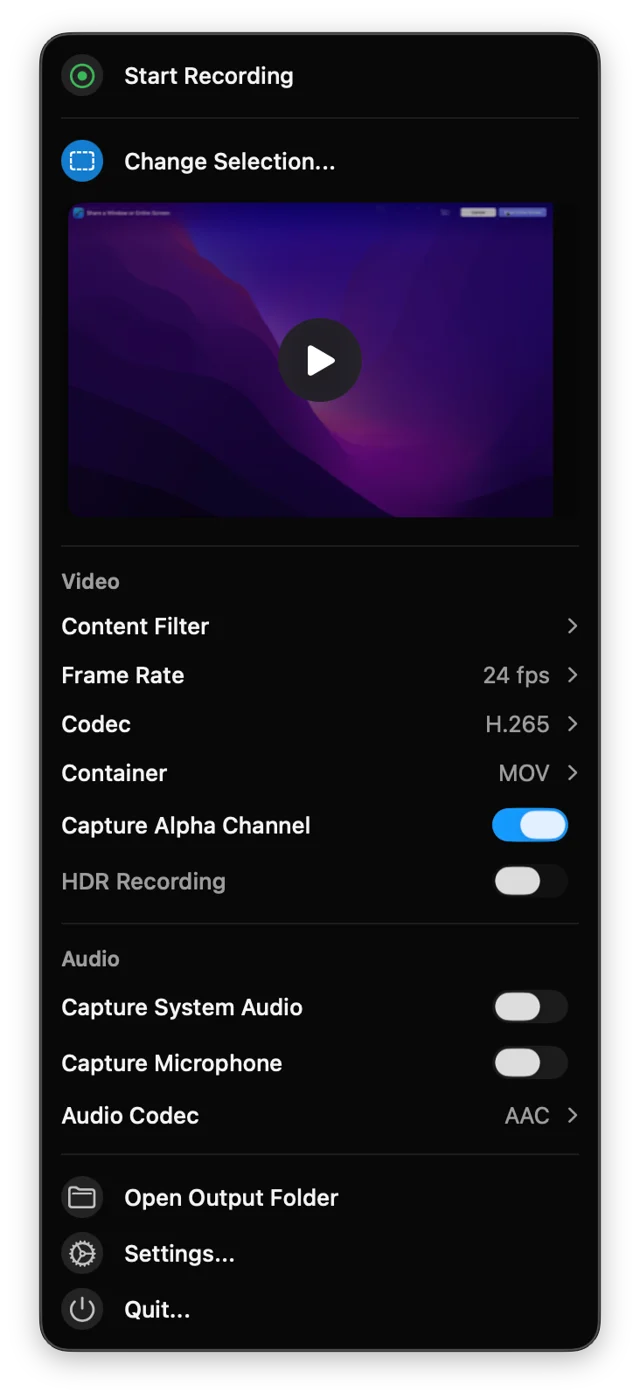
 BetterCaptureFree, open-source screen recorder for the menu bar.Free
 - Screenflick
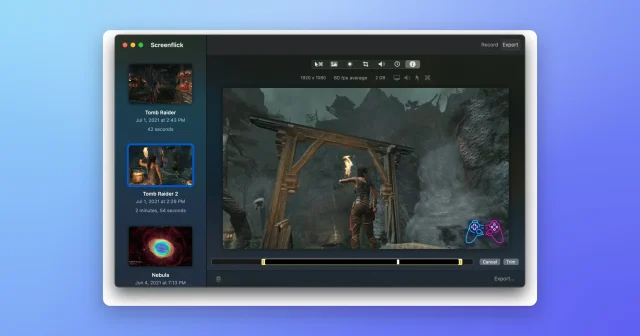
 ScreenflickMac screen recorder with audioPaid
 - Frameclip
 FrameclipCapture, mark up, and paste a screenshot into your agent.Free
 - Snapzy
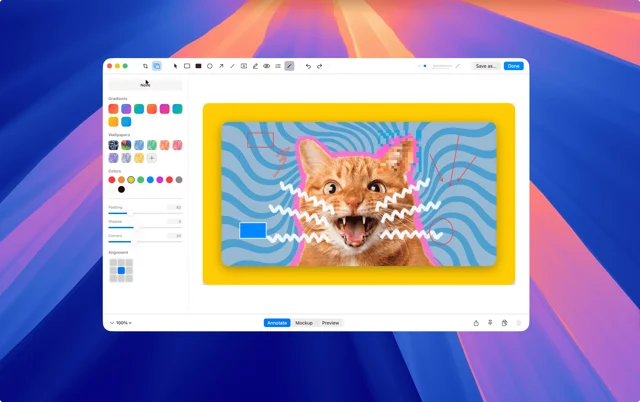
 SnapzyTop pickFree, open-source screenshot and screen recording app.Free
 - OpenScreen
 OpenScreenFree, open-source screen recorder with auto zooms, captions and smooth cursors.Free
 - Screen Charm
 Screen CharmA Mac screen recorder for videos that look finished.Paid
 - Assist
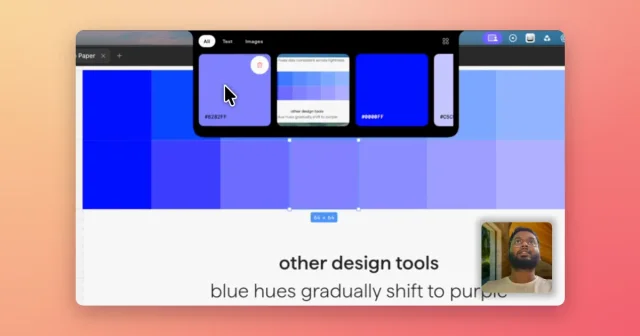
 AssistVoice-annotated screenshots, full-screen captures and clipboard history in the notch.Paid
 - Cap
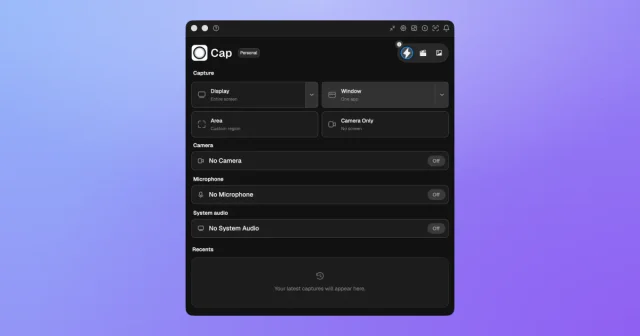
 CapTop pickAn open-source screen recorder with a studio editor and shareable links.Freemium