
Window Management
Magnet
Snaps windows into place with a shortcut or a drag.
Paid$4.99 one-time on the Mac App Store.macOS
By BOOTCODE
About
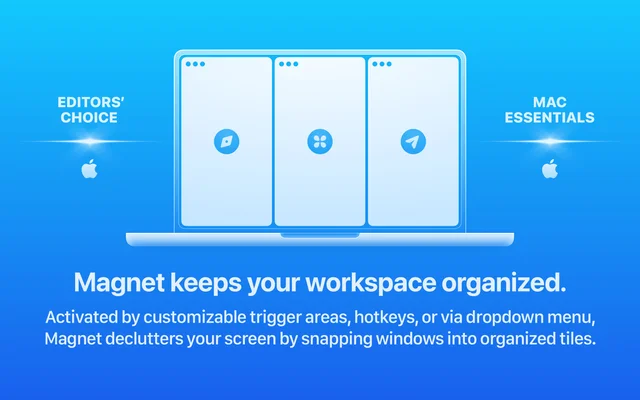
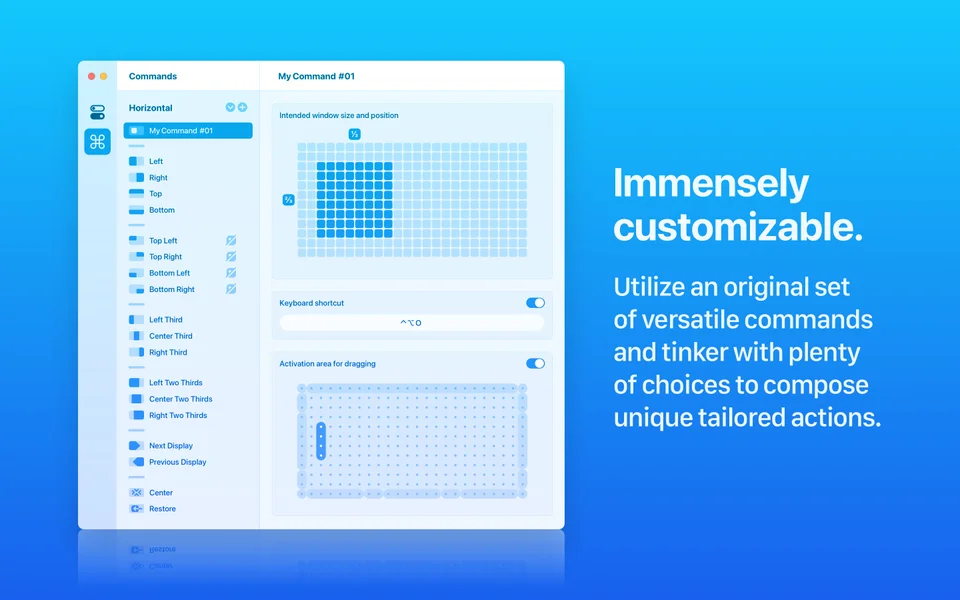
Magnet divides the screen into halves, quarters and thirds and moves the current window into them from a keyboard shortcut or by dragging it to an edge. It is deliberately simple: no configuration file, no learning curve, and it works the same way on every display. It is one of the best-known Mac App Store utilities for a reason.
- Price
- Paid, $4.99 one-time on the Mac App Store.
- Payment
- One-time purchase
- Platforms
- macOS
- Category
- Window Management
Featured badge
Make Magnet yours: show the badge on its site and the listing marks itself as linked back.

HTML
<a href="https://macgrove.app/apps/magnet">
  <img src="https://macgrove.app/badge/magnet.svg" alt="Featured on MacGrove" width="244" height="32" />
</a>
Markdown
[](https://macgrove.app/apps/magnet)Similar apps
- Rectangle
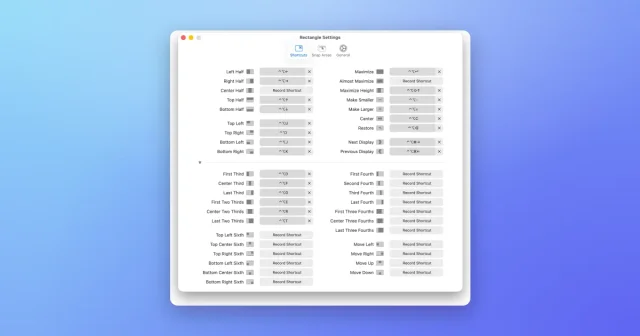
 RectangleMove and resize windows with keyboard shortcuts and snap areas.Free
 - Swish
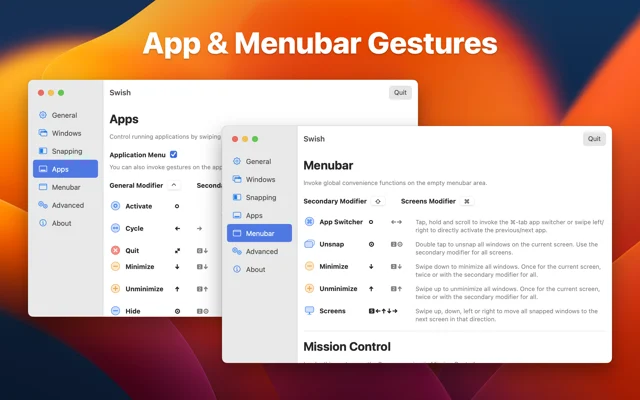
 SwishSnap, close and move windows with trackpad gestures.Paid
 - ScreenPlace
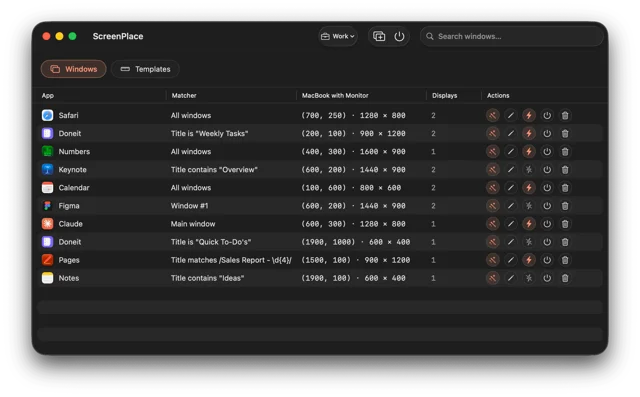
 ScreenPlaceRemembers where every window belongs and puts it back automatically.Freemium
 - Loop
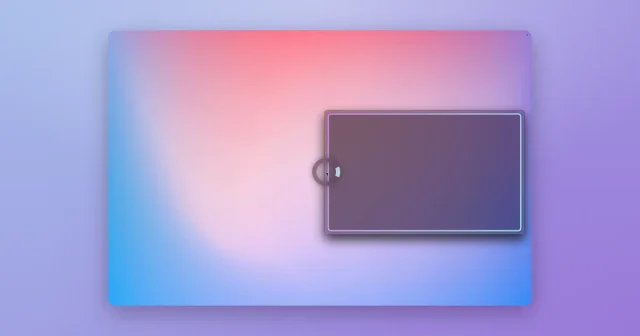
 LoopA radial menu for moving and resizing windows, with live previews.Free
 - Moom
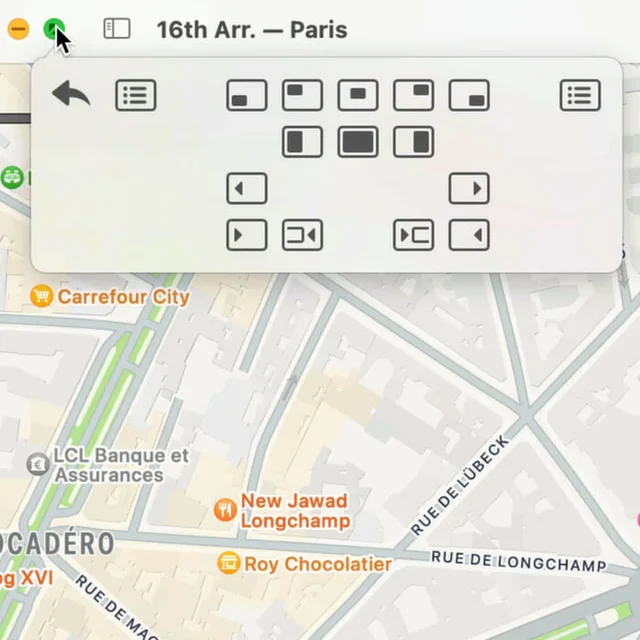
 MoomWindow control from a palette, a shortcut, or the green button.Paid
 - Spencer
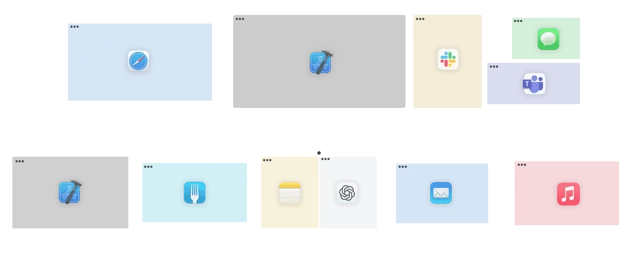
 SpencerSaves a whole workspace layout and brings it back.Paid
 - DockDoor
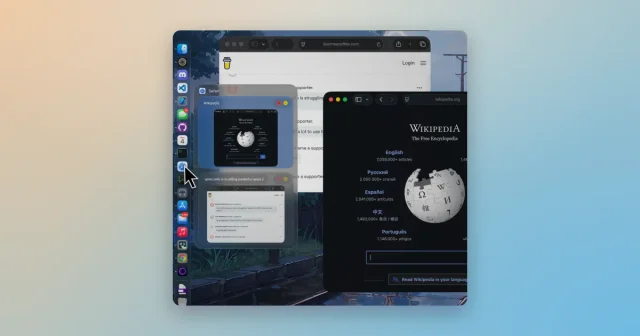
 DockDoorWindow previews and alt-tab switching on the Dock you already use.Free
 - HyperSwitcher

 HyperSwitcherSwitches between apps and windows with a single keystroke.Paid