
Window Management
Moom
v4.6.0Window control from a palette, a shortcut, or the green button.
Paid$10 one-time from Many Tricks.macOS
By Many Tricks

About
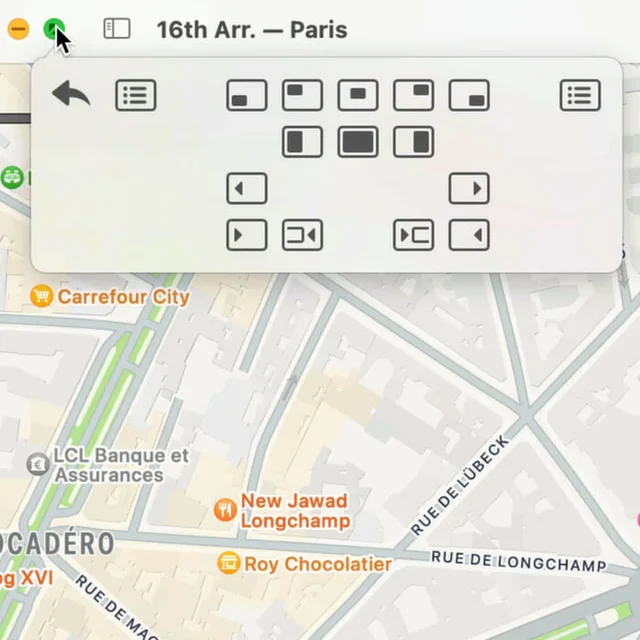
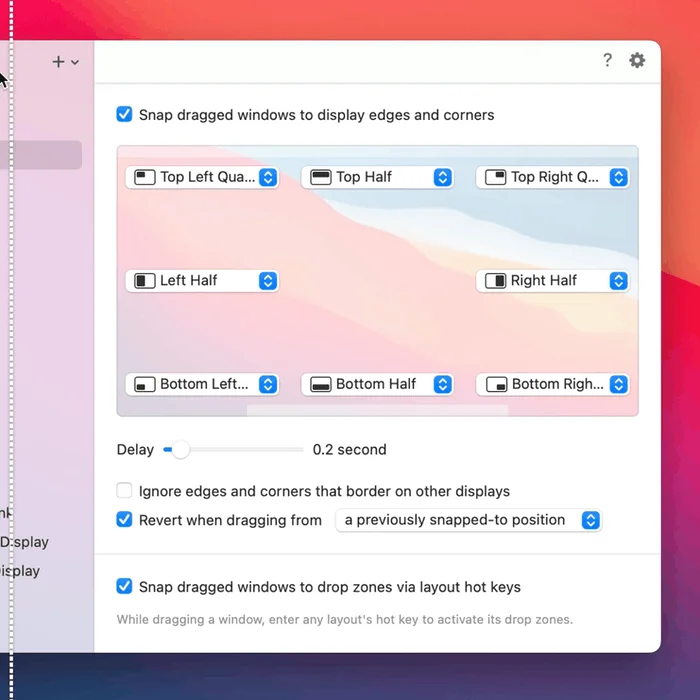
Moom puts a grid of window positions under the pointer when you hover the green button, moves windows to preset sizes and locations from a keyboard shortcut, and arranges a whole set of windows into a saved layout. It also handles displays of different sizes, applying the correct geometry for each.
- Price
- Paid, $10 one-time from Many Tricks.
- Payment
- One-time purchase
- Version
- 4.6.0
- Platforms
- macOS
- Category
- Window Management
Featured badge
Make Moom yours: show the badge on its site and the listing marks itself as linked back.

HTML
<a href="https://macgrove.app/apps/moom">
  <img src="https://macgrove.app/badge/moom.svg" alt="Featured on MacGrove" width="235" height="32" />
</a>
Markdown
[](https://macgrove.app/apps/moom)Similar apps
- Rectangle

 RectangleMove and resize windows with keyboard shortcuts and snap areas.Free
 - Loop

 LoopA radial menu for moving and resizing windows, with live previews.Free
 - Contexts
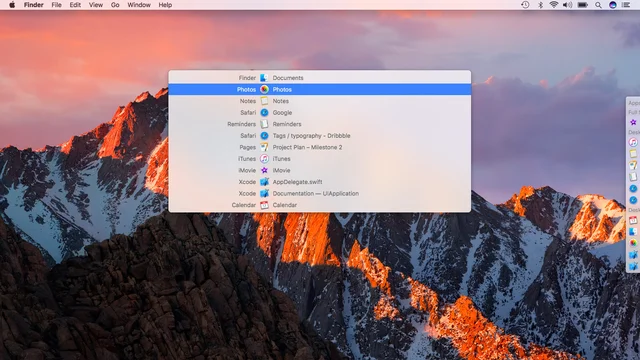
 ContextsWindow switching with a searchable panel instead of a cycle.Paid
 - Open Contexts

 Open ContextsA free window switcher that lists every window, not just every app.Free
 - Taskbar
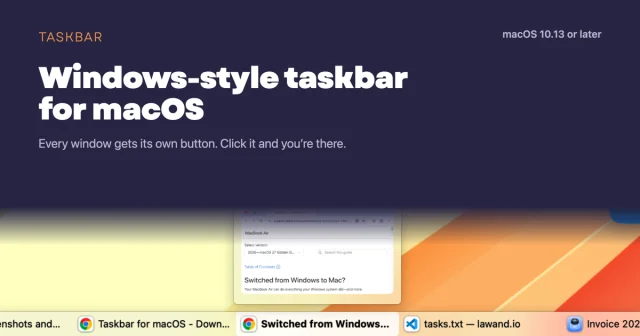
 TaskbarTaskbar for macOS: Windows-style taskbar and Start menuFree
 - Magnet
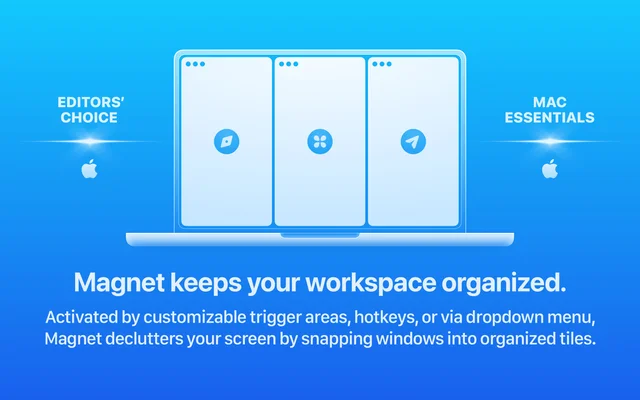
 MagnetSnaps windows into place with a shortcut or a drag.Paid
 - AeroSpace
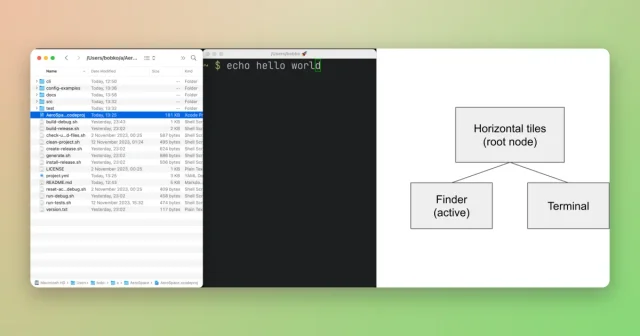
 AeroSpaceAn i3-style tiling window manager for macOS, keyboard-first and scriptable.Free
 - ScreenPlace
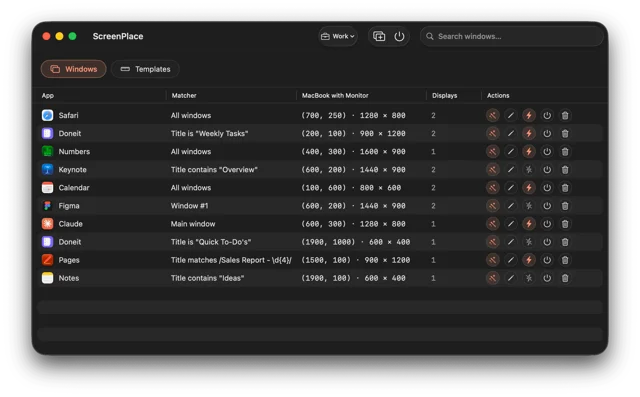
 ScreenPlaceRemembers where every window belongs and puts it back automatically.Freemium