
ScreenPlace
Remembers where every window belongs and puts it back automatically.
FreemiumFree core features; Ultra $19 one-time for 1 Mac, with 5- and 10-Mac tiers.macOS
About
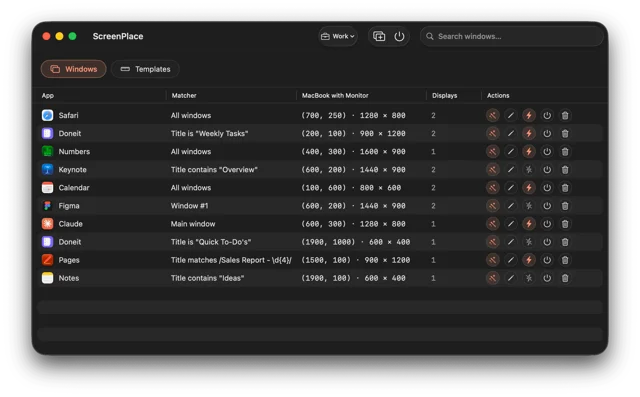
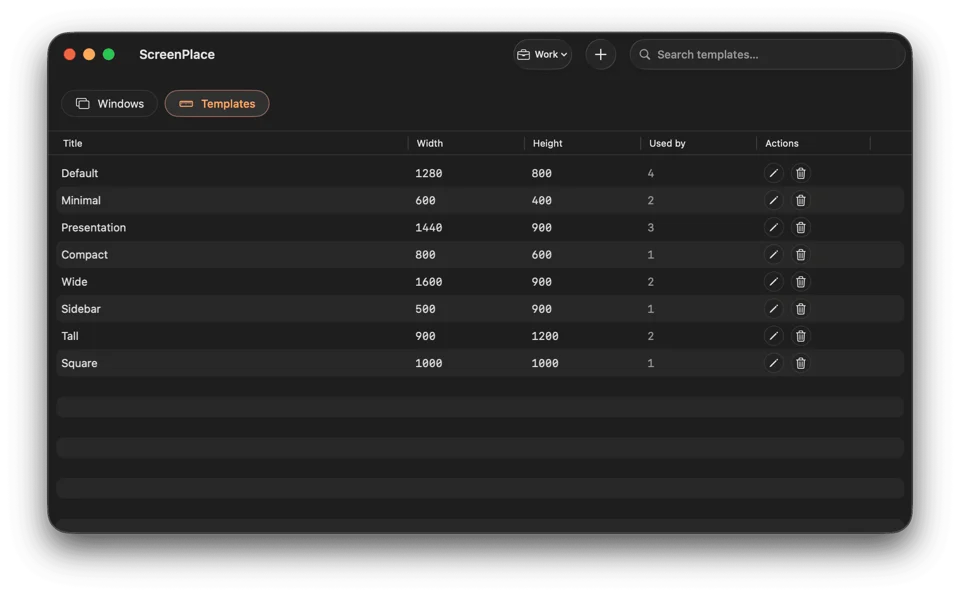
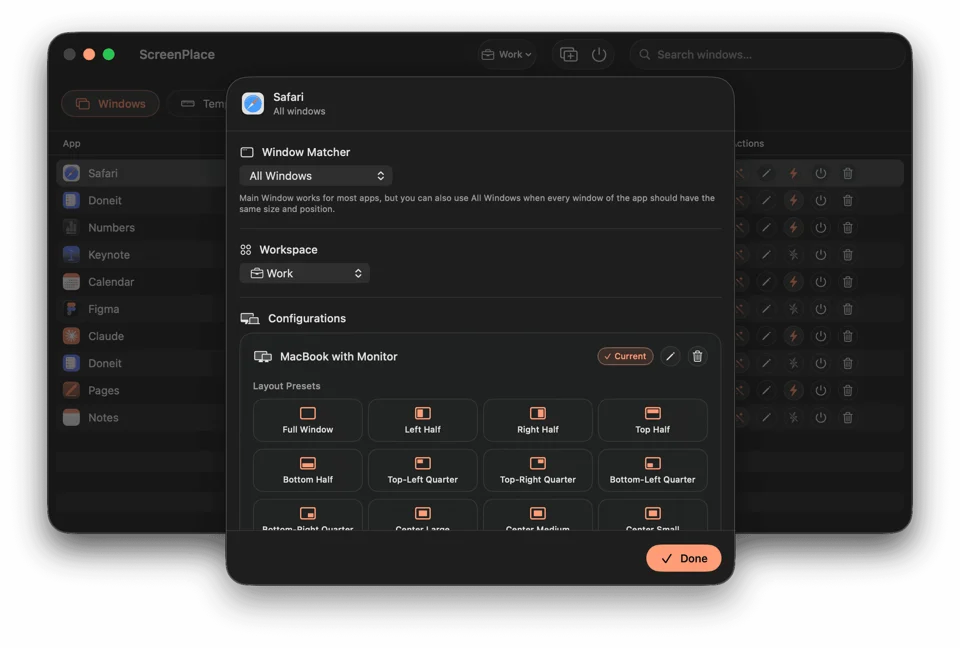
ScreenPlace learns the size and position each window should have and then keeps it there. Windows are grouped into workspaces you switch between from the menu bar or a global shortcut, reusable templates cover the layouts you reach for often, and each display setup gets its own configuration so the right layout applies the moment you connect an external screen. A small badge sits next to a window and snaps it back into place in one click, hiding itself once the window already matches. Auto-apply means everything is where you left it before you ask. It needs macOS 26 or later.
- Price
- Freemium, Free core features; Ultra $19 one-time for 1 Mac, with 5- and 10-Mac tiers.
- Payment
- One-time purchase
- Platforms
- macOS
- Category
- Window Management
Featured badge
Make ScreenPlace yours: show the badge on its site and the listing marks itself as linked back.

<a href="https://macgrove.app/apps/screenplace">
  <img src="https://macgrove.app/badge/screenplace.svg" alt="Featured on MacGrove" width="283" height="32" />
</a>[](https://macgrove.app/apps/screenplace)Similar apps
- Spencer
 SpencerSaves a whole workspace layout and brings it back.Paid
 - Rectangle
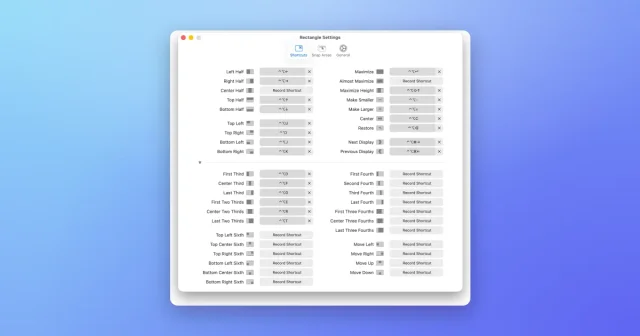
 RectangleMove and resize windows with keyboard shortcuts and snap areas.Free
 - Taskbar
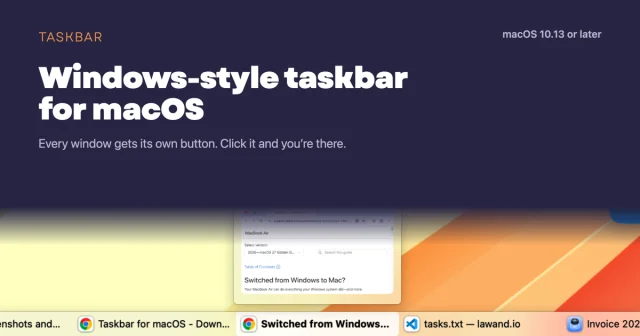
 TaskbarTaskbar for macOS: Windows-style taskbar and Start menuFree
 - Magnet
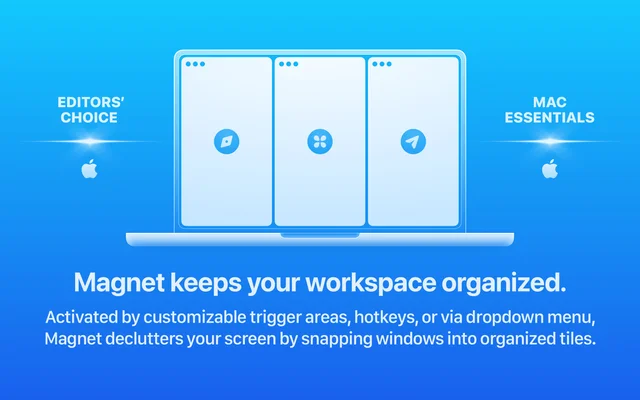
 MagnetSnaps windows into place with a shortcut or a drag.Paid
 - Loop
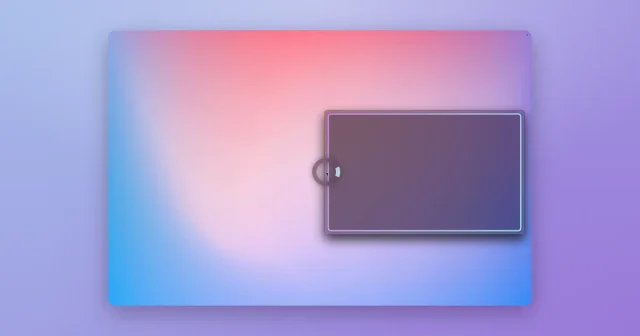
 LoopA radial menu for moving and resizing windows, with live previews.Free
 - Contexts
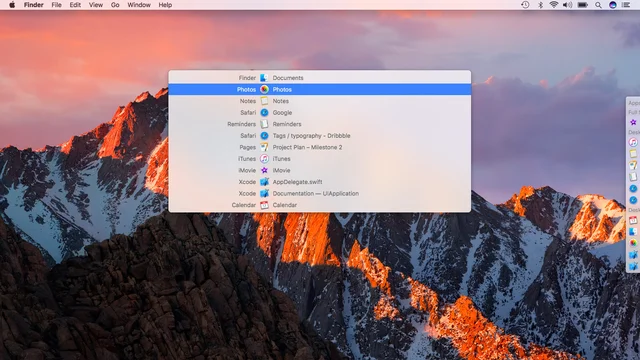
 ContextsWindow switching with a searchable panel instead of a cycle.Paid
 - DeskMinder

 DeskMinderQuick desktop reminders that are hard to miss.Freemium
 - Moom
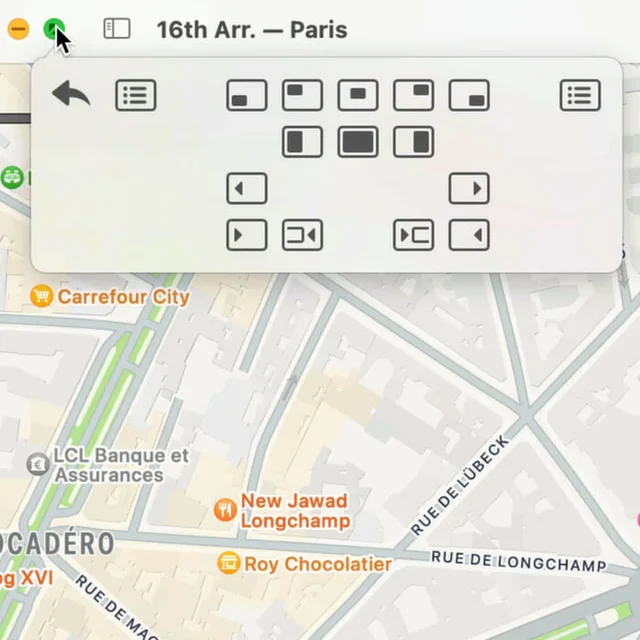
 MoomWindow control from a palette, a shortcut, or the green button.Paid