Utilities
MonitorControl
v4.4.0Brightness and volume for external displays, on the Mac's own keys.
FreeOpen sourceFree, no paid tiermacOS
About
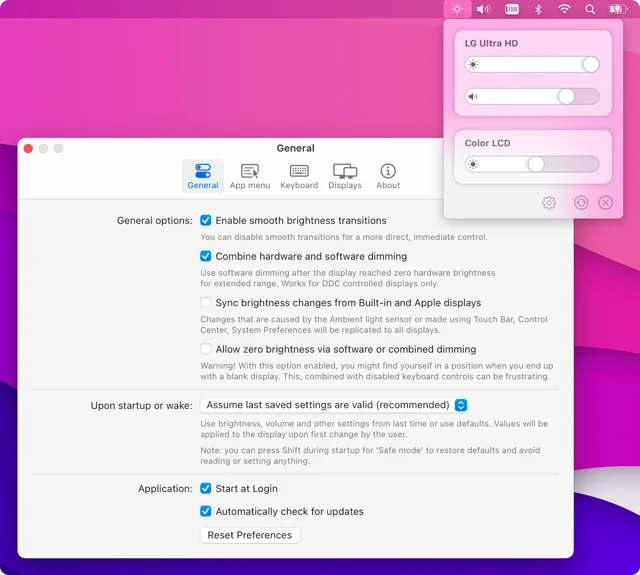
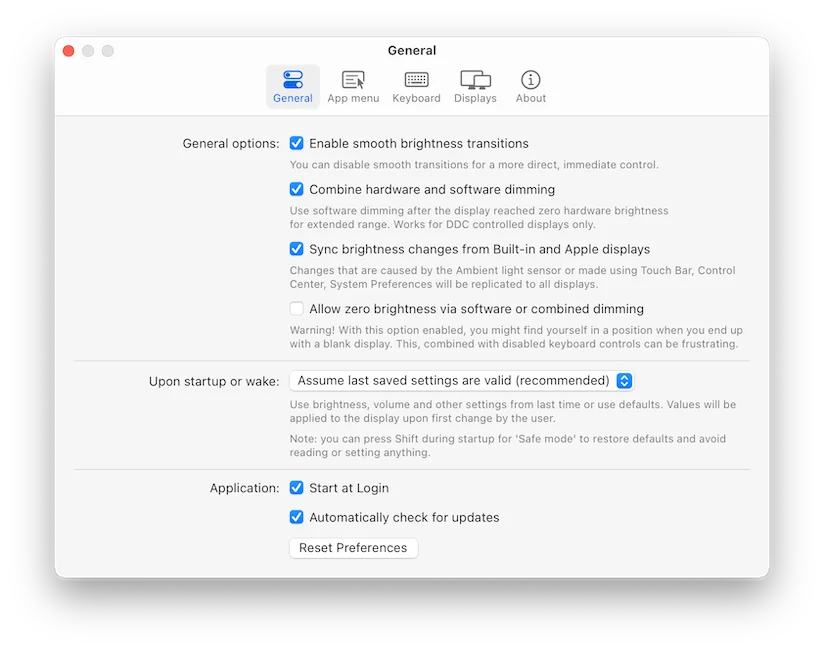
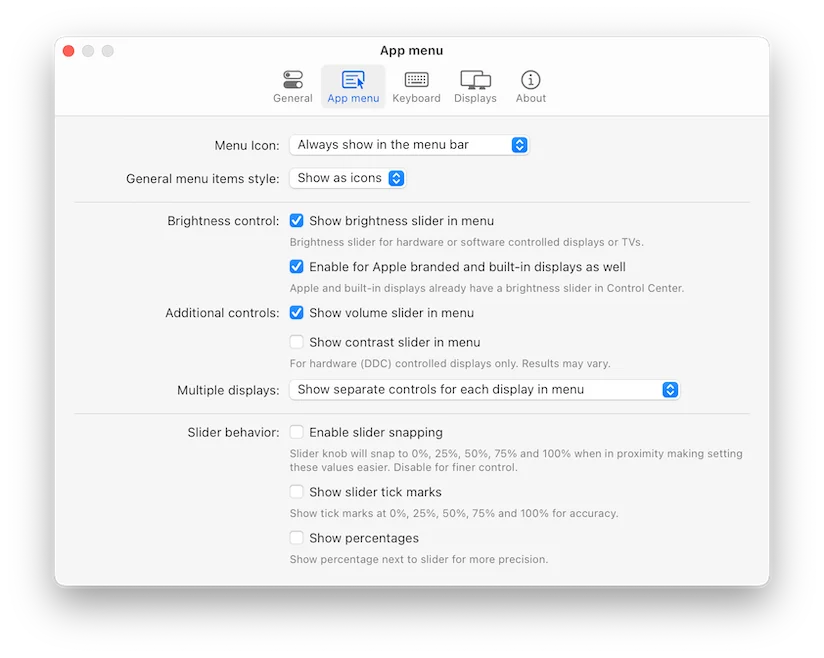
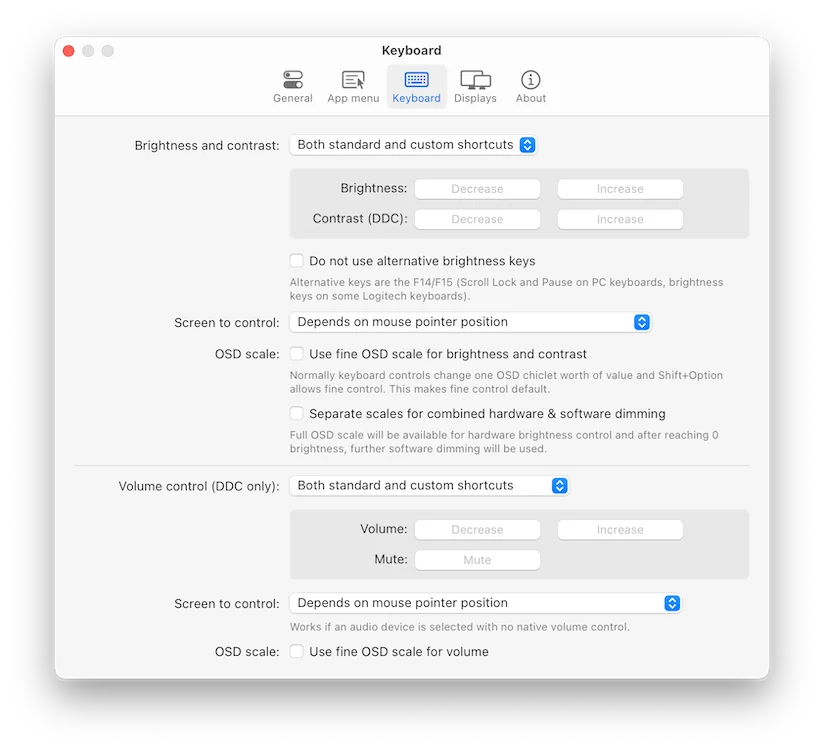
MonitorControl makes F1 and F2 work on the monitor you are actually looking at. It sends DDC commands over DisplayPort or HDMI to adjust the brightness, contrast and volume of external displays, with per-display settings and an option to fade between the built-in screen and the one beside it. Free and open source.
Featured badge
Make MonitorControl yours: show the badge on its site and the listing marks itself as linked back.

HTML
<a href="https://macgrove.app/apps/monitorcontrol">
  <img src="https://macgrove.app/badge/monitorcontrol.svg" alt="Featured on MacGrove" width="303" height="32" />
</a>
Markdown
[](https://macgrove.app/apps/monitorcontrol)Similar apps
- DisplayBuddy
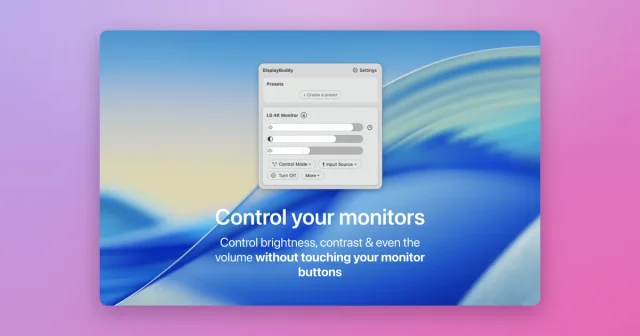
 DisplayBuddyReal brightness, contrast and volume control for external monitors.Paid
 - Crisp
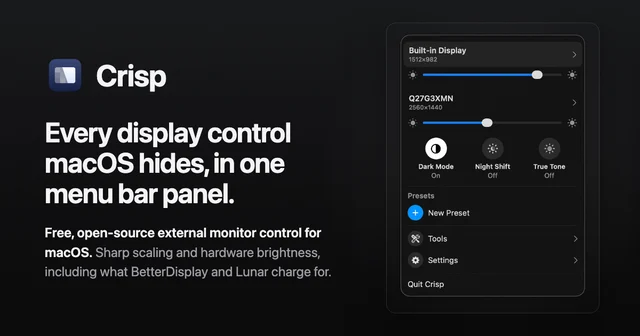
 CrispFree, open-source display control from the menu bar.Free
 - HazeOver
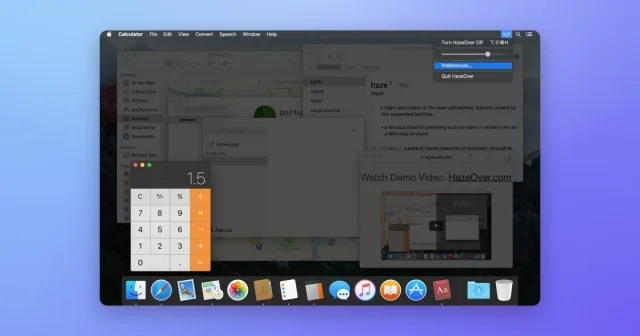
 HazeOverDims every window except the one you are working in.Paid
 - DeskPad
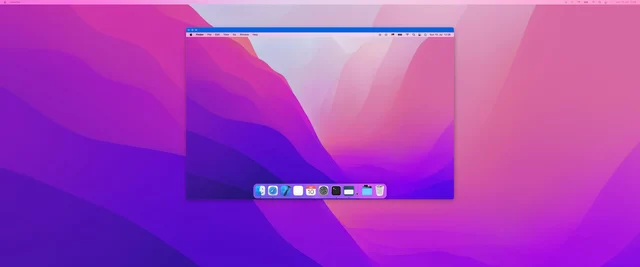
 DeskPadTurns a window into a second monitor for screen sharing.Free
 - LightScroll

 LightScrollTake control of your screen time with calm limits and pausesFreemium
 - OpenDisplay
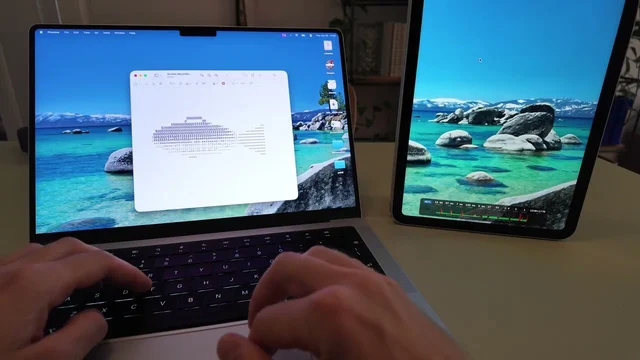
 OpenDisplayYour iPhone or iPad as a second Mac display.Free
 - Raycast
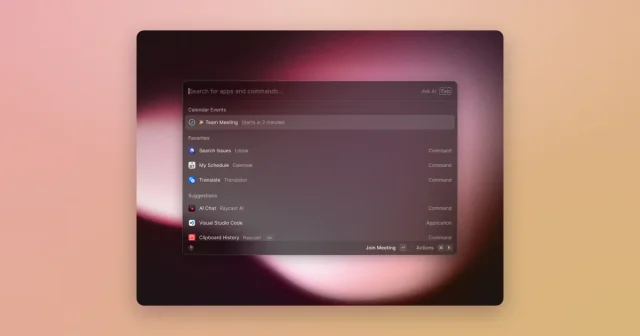
 RaycastA keyboard launcher that runs your whole Mac, with extensions and AI built in.Freemium
 - Ajar
 AjarScreen brightness that follows the lid angle, and Awake that follows your agents.Paid