
Window Management
Taskbar
Taskbar for macOS: Windows-style taskbar and Start menu
FreeFree until 19 December 2026macOS
By lawand.io OÜ
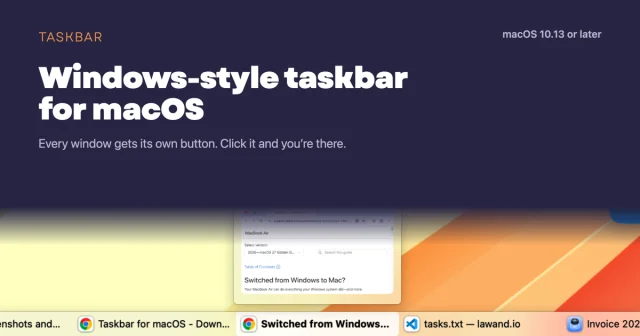

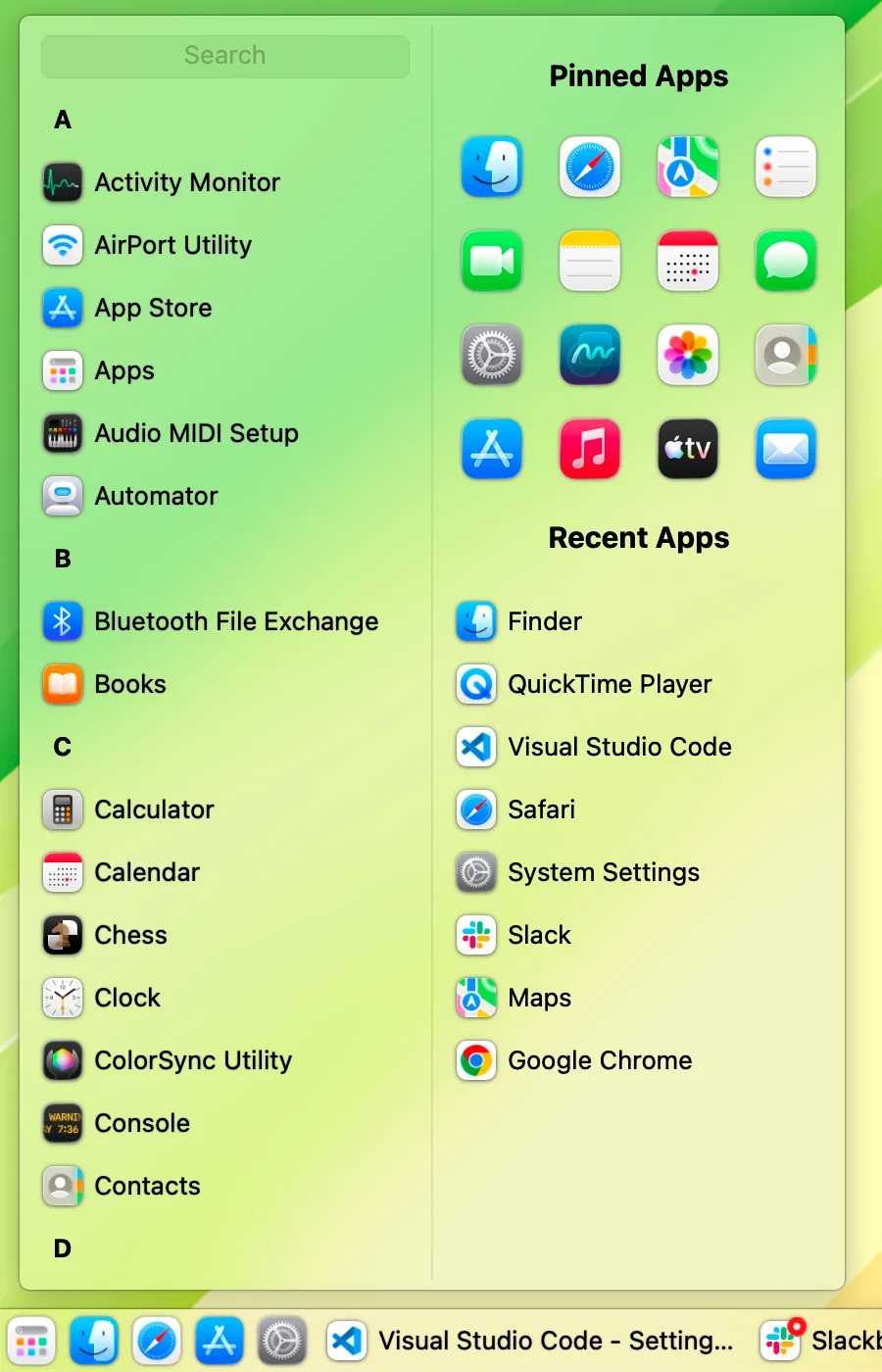
About
Windows-style taskbar for macOS. Every open window gets its own button along the bottom of your screen. One click to switch. Free, native, no account.
- Price
- Free, Free until 19 December 2026
- Platforms
- macOS
- Category
- Window Management
Featured badge
Make Taskbar yours: show the badge on its site and the listing marks itself as linked back.

HTML
<a href="https://macgrove.app/apps/taskbar">
  <img src="https://macgrove.app/badge/taskbar.svg" alt="Featured on MacGrove" width="249" height="32" />
</a>
Markdown
[](https://macgrove.app/apps/taskbar)Similar apps
- Open Contexts
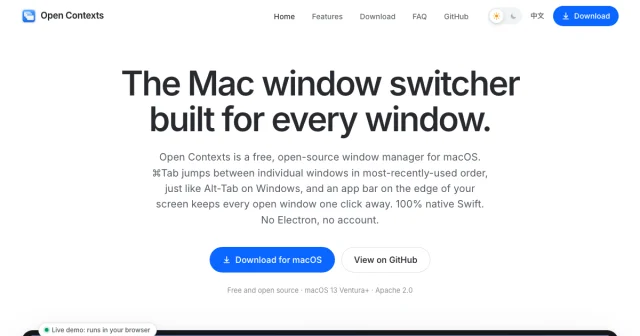
 Open ContextsA free window switcher that lists every window, not just every app.Free
 - AltTab
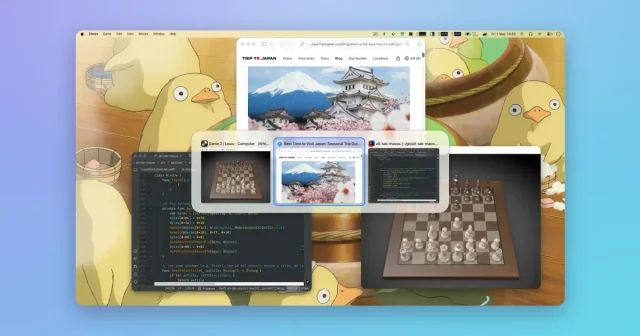
 AltTabA Windows-style window switcher for every window on your Mac.Freemium
 - Rectangle
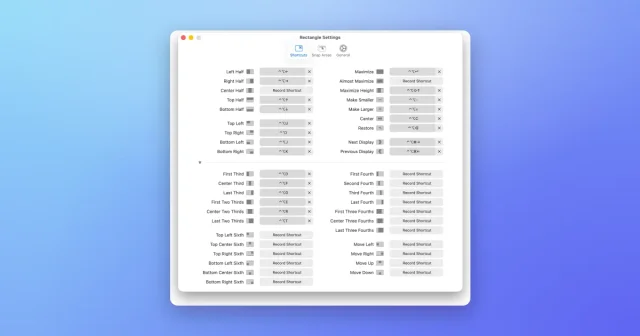
 RectangleMove and resize windows with keyboard shortcuts and snap areas.Free
 - DockDoor
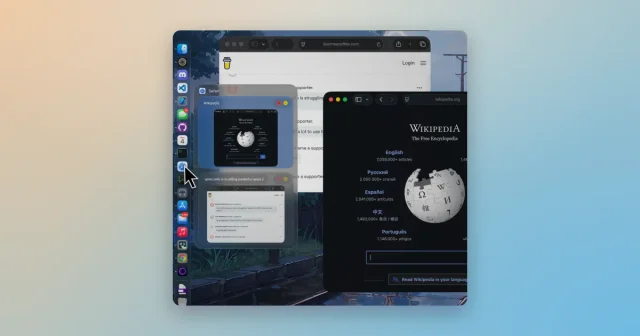
 DockDoorWindow previews and alt-tab switching on the Dock you already use.Free
 - ScreenPlace
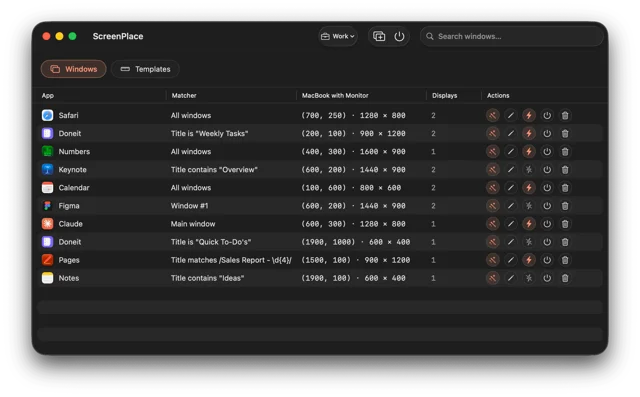
 ScreenPlaceRemembers where every window belongs and puts it back automatically.Freemium
 - Thaw
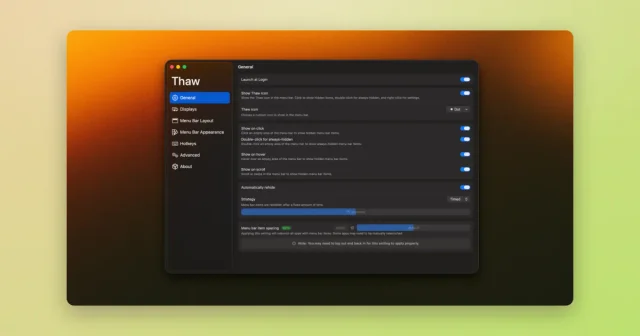
 ThawTop pickHide, reveal, and rearrange your Mac menu bar icons, with profiles and triggers.Free
 - Loop

 LoopA radial menu for moving and resizing windows, with live previews.Free
 - Moom
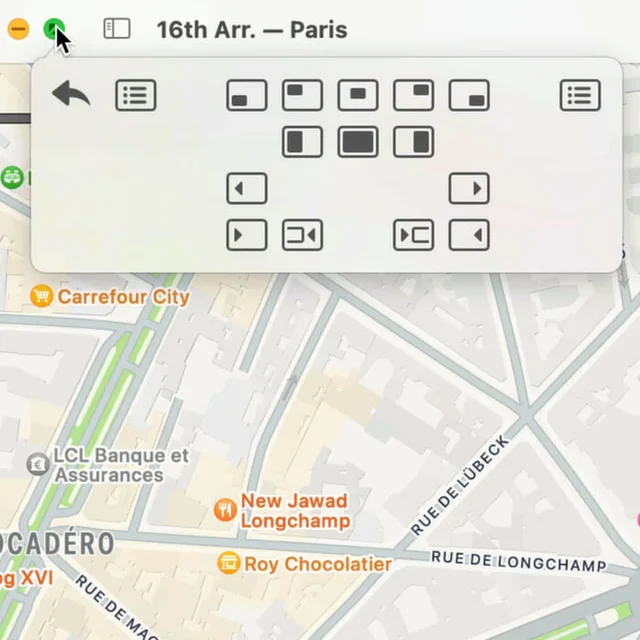
 MoomWindow control from a palette, a shortcut, or the green button.Paid