
Developer Tools
SwiftVM
Runs macOS and Linux virtual machines from the menu bar.
FreeOpen sourceFree; macOS 27 or later on Apple silicon.macOS
By SwiftVM
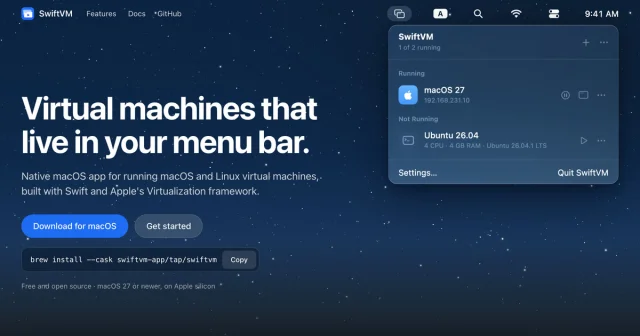
About
SwiftVM keeps your virtual machines in the menu bar, built on Apple's Virtualization framework in Swift. A Linux guest starts from an Ubuntu or Debian cloud image with your user and SSH key already in it, and a macOS guest installs and creates its account with no setup assistant to click through. Each machine is one .swiftvm folder, with suspend and resume, shared folders, port forwarding and a CLI that stays in sync with the app.
- Price
- Free, Free; macOS 27 or later on Apple silicon.
- License
- Apache-2.0
- Platforms
- macOS
- Category
- Developer Tools
Featured badge
Make SwiftVM yours: show the badge on its site and the listing marks itself as linked back.

HTML
<a href="https://macgrove.app/apps/swiftvm">
  <img src="https://macgrove.app/badge/swiftvm.svg" alt="Featured on MacGrove" width="252" height="32" />
</a>
Markdown
[](https://macgrove.app/apps/swiftvm)Similar apps
- UTM
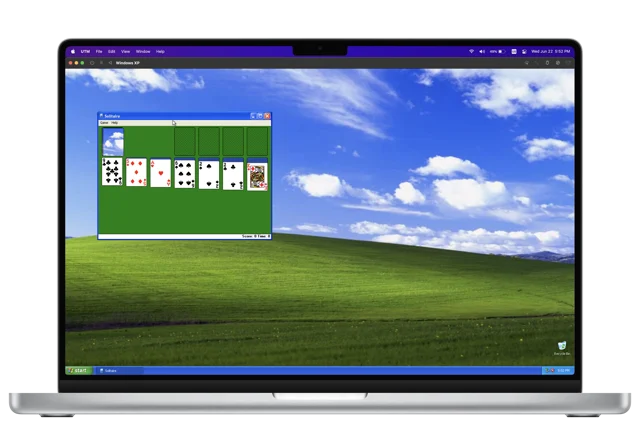
 UTMRuns Windows, Linux and even macOS in a window.Freemium
 - Vorssaint
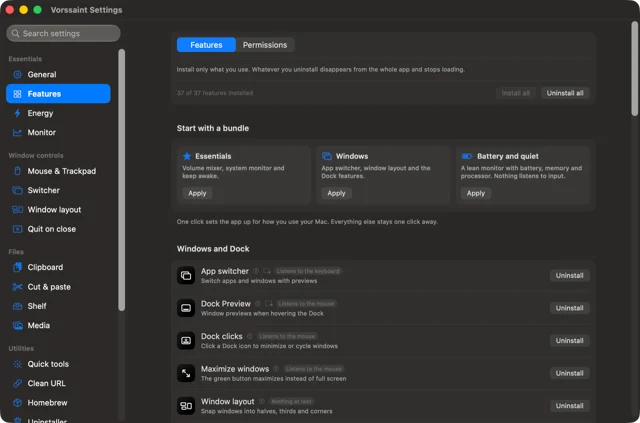
 VorssaintA dozen Mac utilities behind one menu bar icon.Free
 - MiniSim
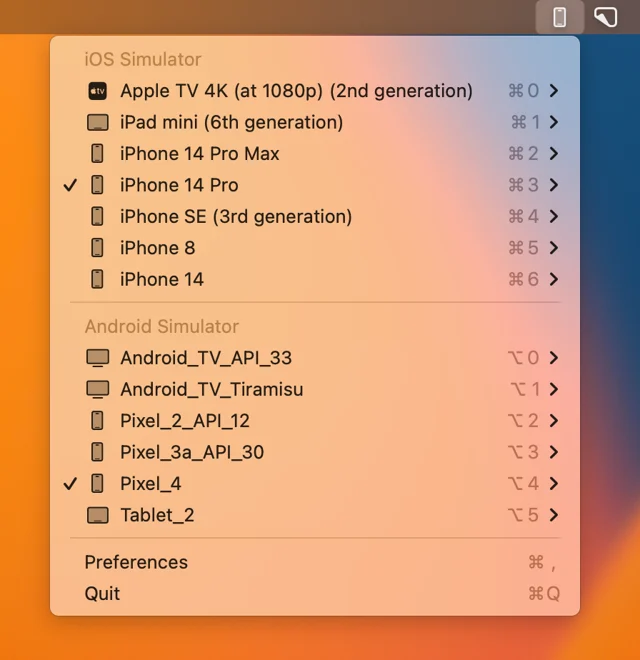
 MiniSimLaunches iOS simulators from the menu bar.Free
 - Muxy
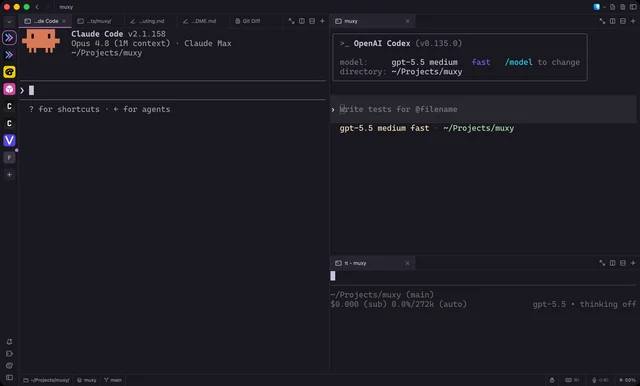
 MuxyLightweight, project-based terminal for the Mac built on libghostty.Free
 - SpaceJump
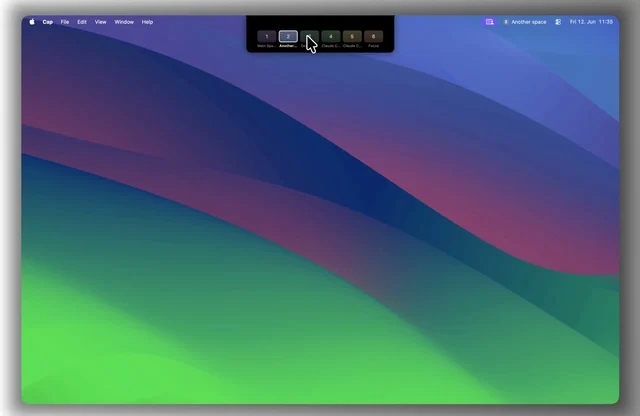
 SpaceJumpName your macOS Spaces and jump between them with a keyboard switcherPaid
 - Whisky
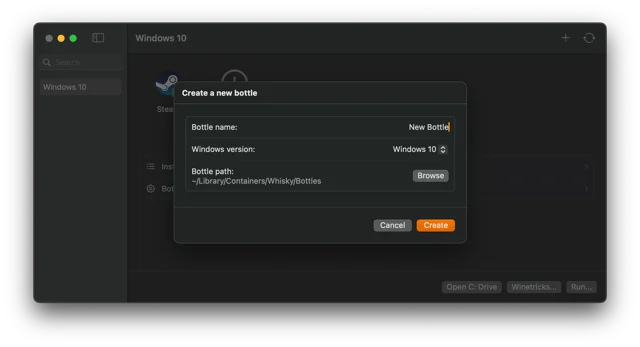
 WhiskyWindows apps and games on Apple Silicon, no Terminal.Free
 - Glaze

 GlazeBuilds small Mac apps by describing them, using AI agents.Freemium
 - MKey
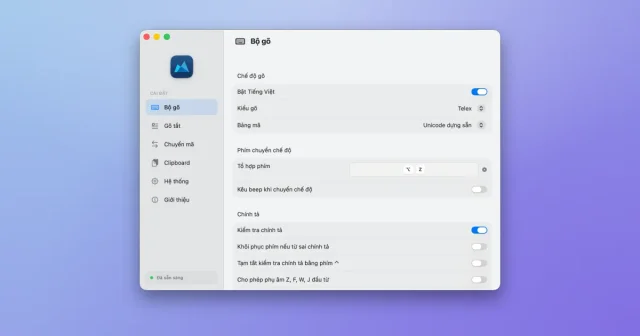
 MKeyA Vietnamese input method for macOS built on the OpenKey engine.Free