
Developer Tools
MiniSim
v0.10.0Launches iOS simulators from the menu bar.
FreeOpen sourceFree, no paid tiermacOS

About
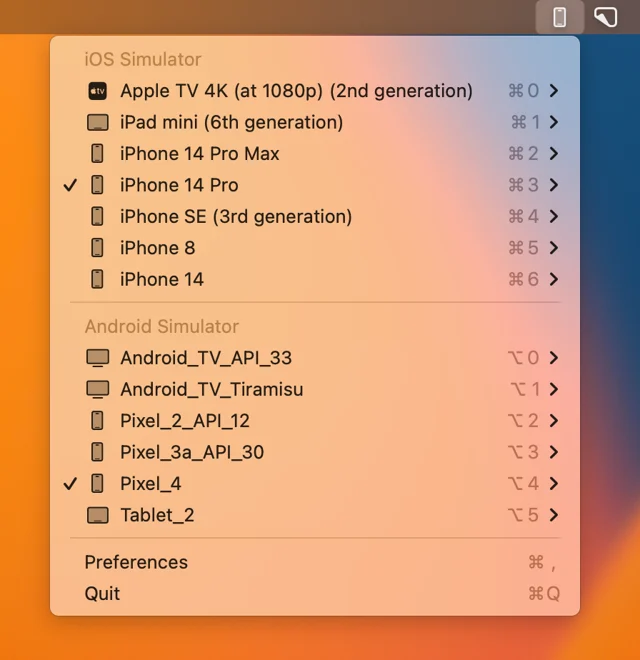
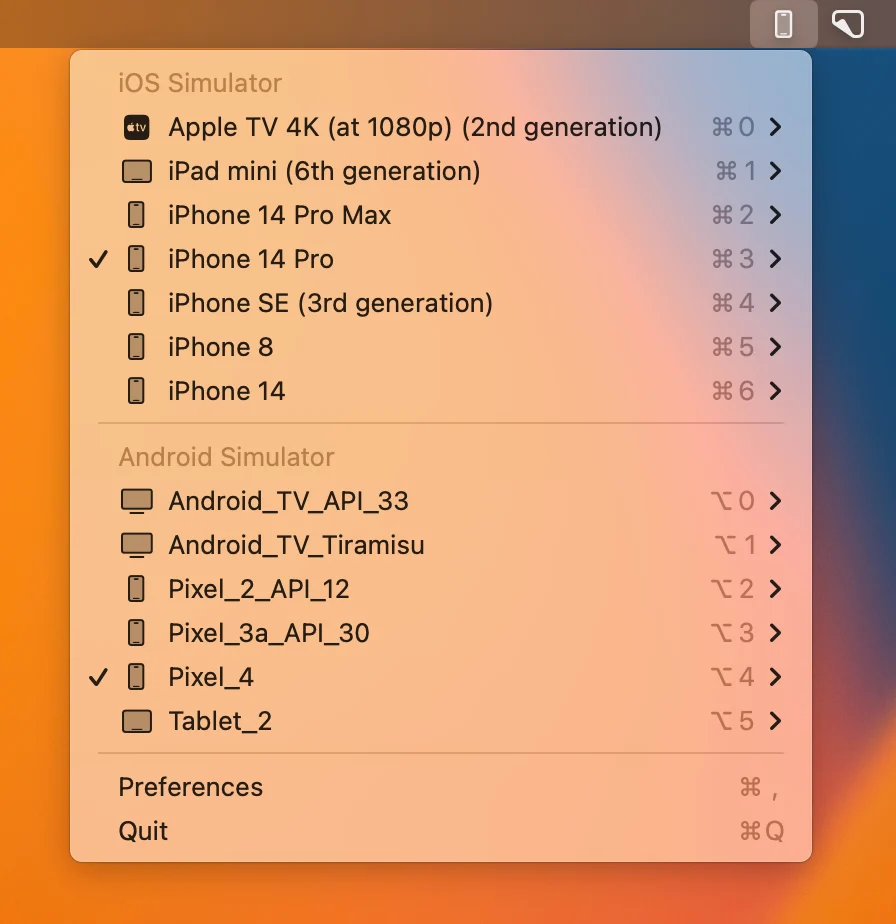
MiniSim keeps every iOS simulator device in the menu bar, so opening the right one does not mean going through Xcode and its device menu first. It also jumps straight to an app's data folder, resets a simulator, and can be driven from the keyboard or from Raycast. Free and open source.
- Price
- Free, Free, no paid tier
- License
- MIT
- Version
- 0.10.0
- Platforms
- macOS
- Category
- Developer Tools
Featured badge
Make MiniSim yours: show the badge on its site and the listing marks itself as linked back.

HTML
<a href="https://macgrove.app/apps/minisim">
  <img src="https://macgrove.app/badge/minisim.svg" alt="Featured on MacGrove" width="254" height="32" />
</a>
Markdown
[](https://macgrove.app/apps/minisim)Similar apps
- SwiftVM
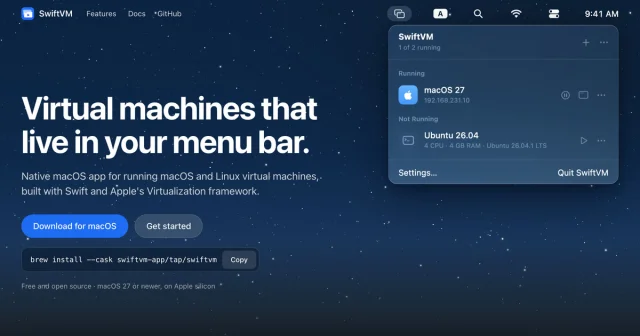
 SwiftVMRuns macOS and Linux virtual machines from the menu bar.Free
 - Short Run
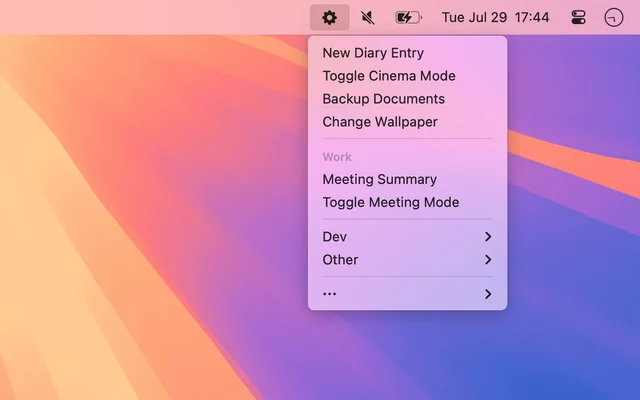
 Short RunRuns your shortcuts from a menu bar menu, grouped the way you want.Paid
 - Itsytv
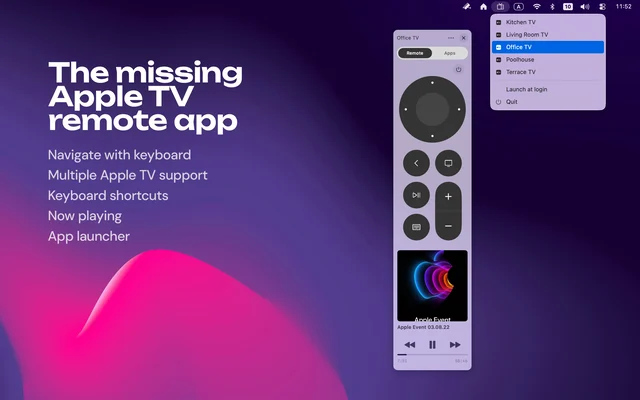
 ItsytvApple TV remote that lives in your Mac menu bar.Freemium
 - Xcodes
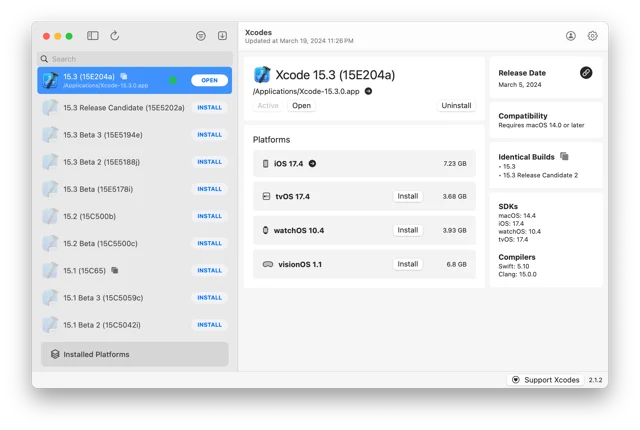
 XcodesInstall and switch between Xcode versions with a click.Free
 - Xcode
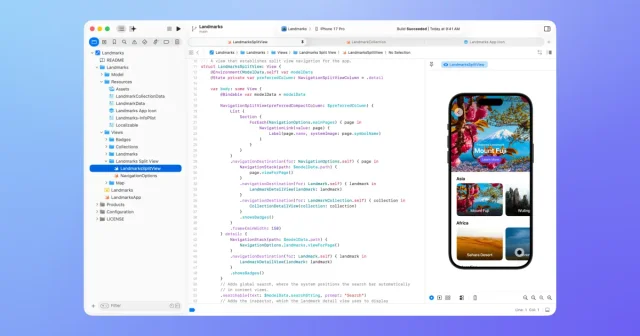
 XcodeApple's IDE for building apps for Mac, iPhone, iPad, Watch, and Vision Pro.Free
 - SpaceJump
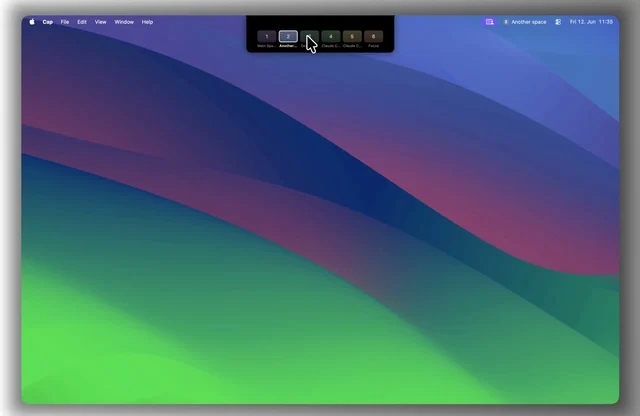
 SpaceJumpName your macOS Spaces and jump between them with a keyboard switcherPaid
 - Vorssaint
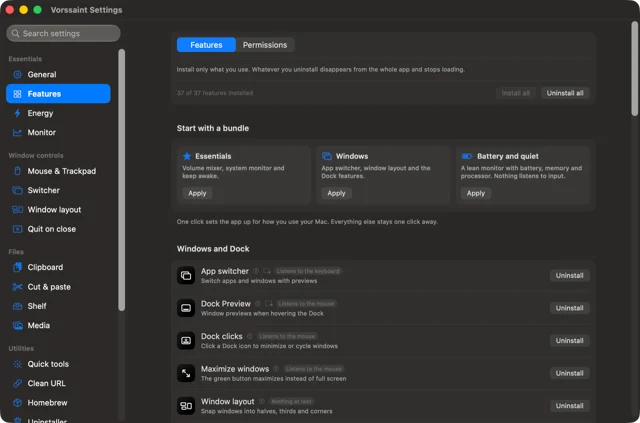
 VorssaintA dozen Mac utilities behind one menu bar icon.Free
 - Menu Drop
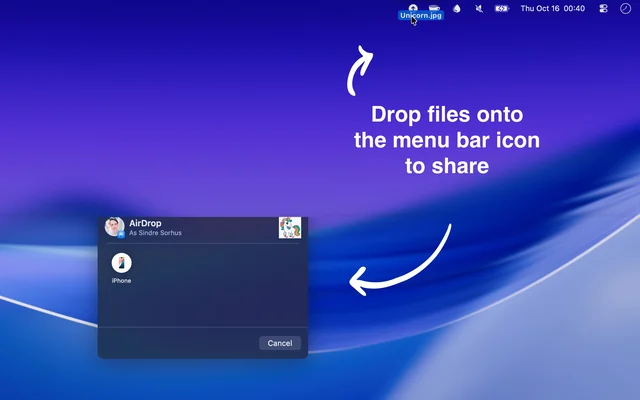
 Menu DropDrops files into the menu bar and AirDrops them on from there.Free