
Developer Tools
Xcodes
Install and switch between Xcode versions with a click.
FreeOpen sourceFree, no paid tier; donations welcomemacOS

About
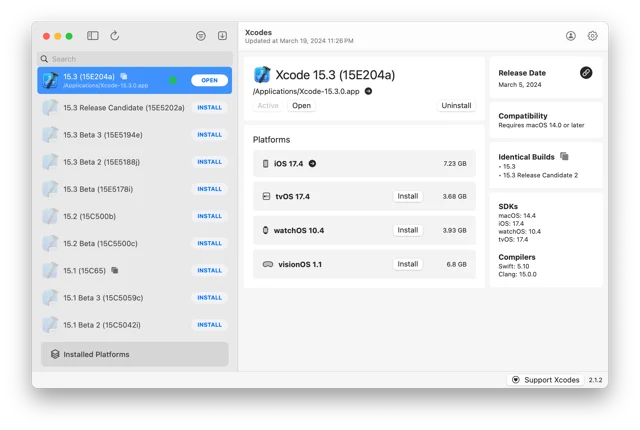
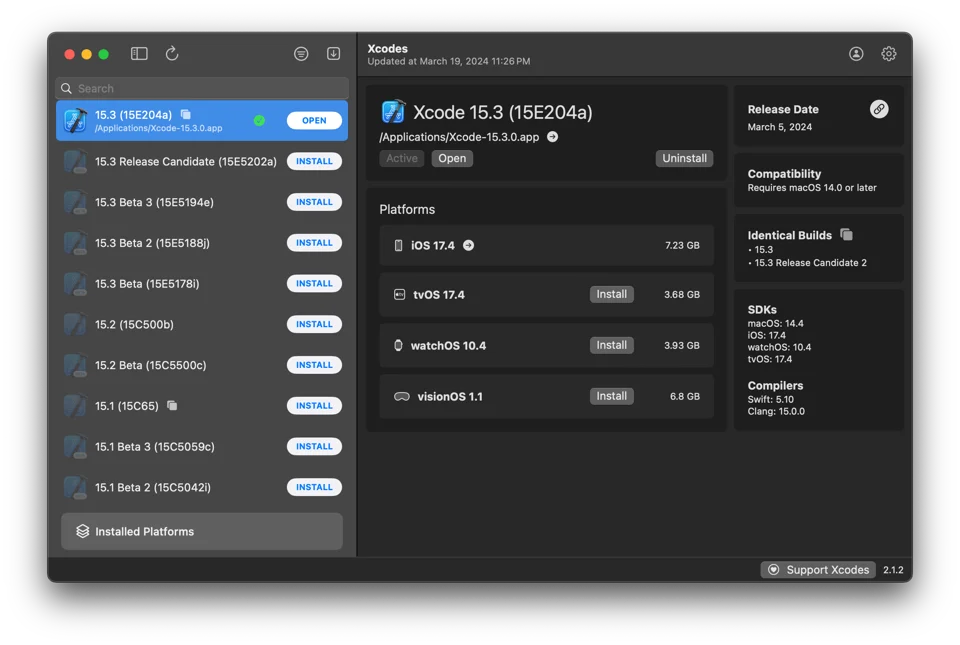
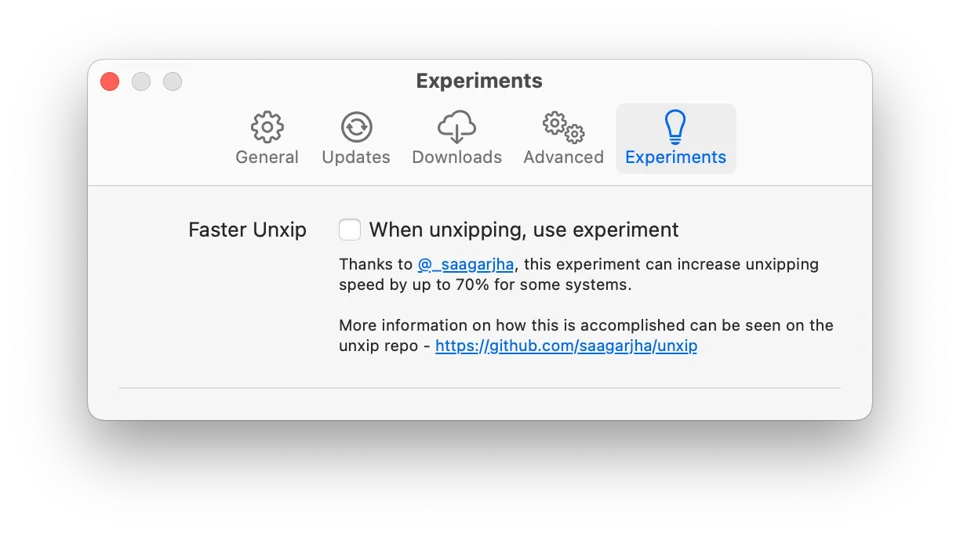
Xcodes lists every Xcode release, including betas, and installs the one you pick without any manual steps, using aria2 for faster multi-connection downloads that resume after network errors. Making a version active is a single click, and each release shows its notes, supported OS, bundled SDKs and compilers. It can also download simulator runtimes for iOS, watchOS, tvOS and visionOS, including Apple Silicon variants, and downloads from Apple need an Apple ID. It is free and open source under the MIT license. Needs macOS 14.6 or later.
- Price
- Free, Free, no paid tier; donations welcome
- License
- MIT
- Platforms
- macOS
- Category
- Developer Tools
Featured badge
Make Xcodes yours: show the badge on its site and the listing marks itself as linked back.

HTML
<a href="https://macgrove.app/apps/xcodes">
  <img src="https://macgrove.app/badge/xcodes.svg" alt="Featured on MacGrove" width="244" height="32" />
</a>
Markdown
[](https://macgrove.app/apps/xcodes)Similar apps
- Xcode
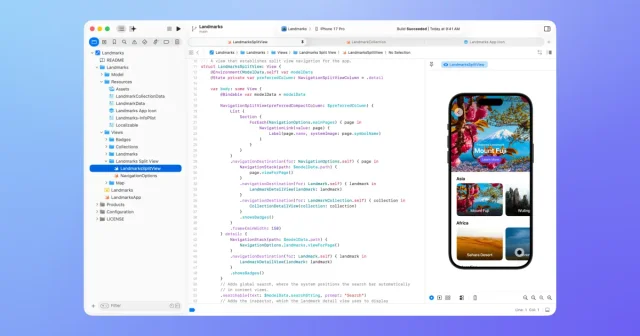
 XcodeApple's IDE for building apps for Mac, iPhone, iPad, Watch, and Vision Pro.Free
 - Dispatch
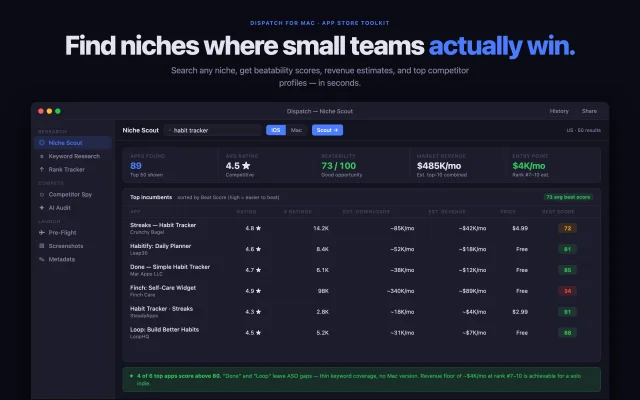
 DispatchApp Store research, ASO and launch prep for indie Apple developers, kept on your Mac.Paid
 - CodeIsland

 CodeIslandLive status of your AI coding agents in the MacBook notch.Free
 - Palm
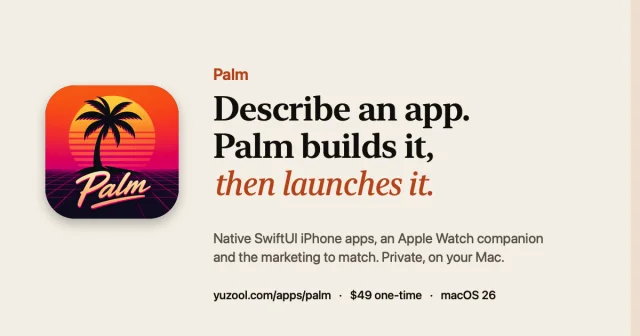
 PalmTurn one sentence into a native iPhone app, then launch itFreemium
 - Codeshot
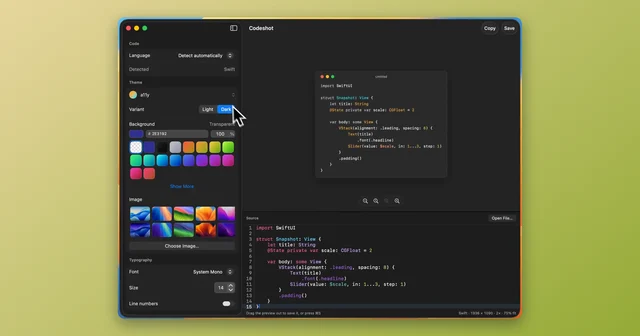
 CodeshotTurn a code snippet into a clean image, ready to share.Paid
 - Updatest
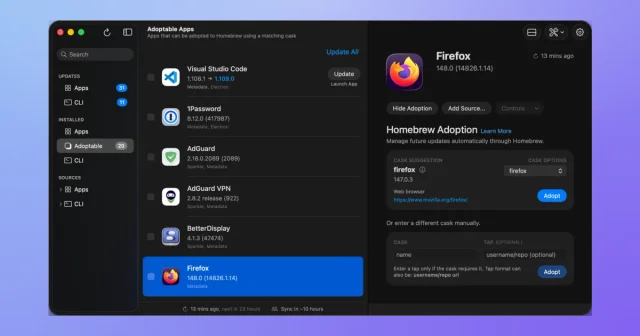
 UpdatestOne window that finds and installs every app update on your Mac.Paid
 - DockFlow
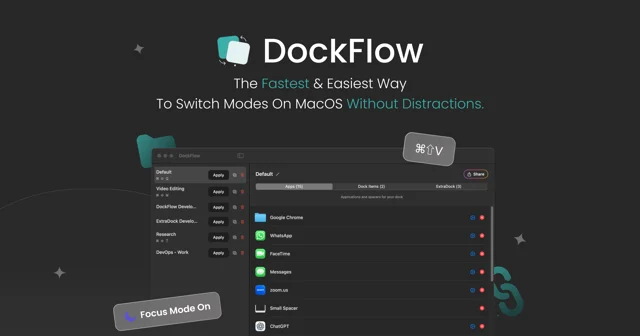
 DockFlowSave sets of Dock apps as presets and switch your whole setup with one hotkeyPaid
 - MiniSim
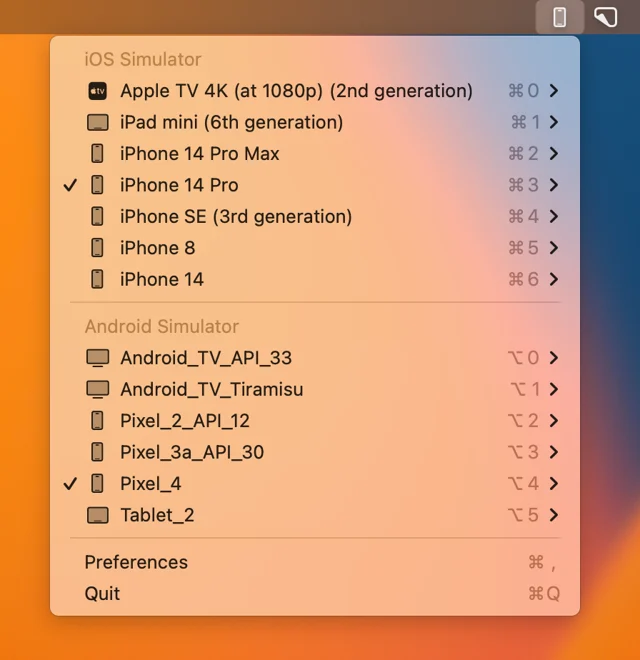
 MiniSimLaunches iOS simulators from the menu bar.Free