Muro
v6.0.2
About
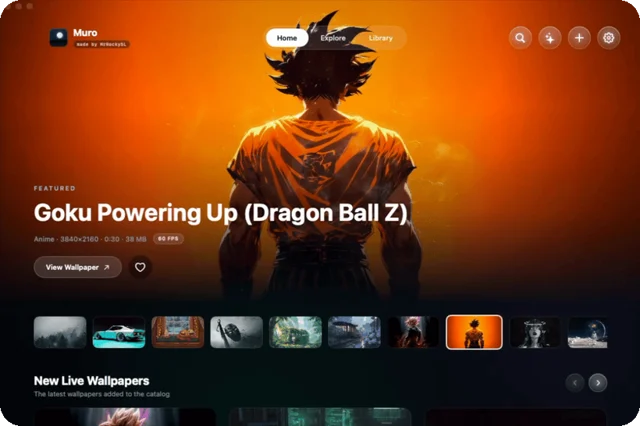
Muro plays video wallpapers on the desktop and, since version 5, uses them as the screen saver as well, drawing from a wallpaper library that refreshes itself so there is nothing to hunt down and download. It is built to stay cheap on CPU and memory, and none of it sits behind a paywall. Free and open source.
- Price
- Free, Free, no paid tier; donations welcome via GitHub Sponsors
- License
- MIT
- Version
- 6.0.2 · Oct 6, 2026
- Platforms
- macOS
- Category
- Wallpapers & Screensavers
Featured badge
Make Muro yours: show the badge on its site and the listing marks itself as linked back.

<a href="https://macgrove.app/apps/muro">
  <img src="https://macgrove.app/badge/muro.svg" alt="Featured on MacGrove" width="227" height="32" />
</a>[](https://macgrove.app/apps/muro)What’s new
All 9 releases6.0.2Latest · 20 days ago
Muro 6.0.2 is out. One important fix for macOS 14.
On macOS 14, Muro 6.0 and 6.0.1 closed the moment they opened. 6.0.2 fixes that. If Muro never opened for you on macOS 14, this is the one to get.
💥 A crash on macOS 14. Muro 6.0 and 6.0.1 quit the moment they opened on macOS 14. It opens now.
Drag Muro into your Applications folder and open it from there. Muro is free and self signed rather than carrying a paid Apple certificate, so macOS blocks the first launch: System Settings, Privacy and Security, scroll to the message about Muro, click Open Anyway.
> ⚠️ Open Muro from Applications, not from inside the DMG. macOS runs apps from a temporary copy otherwise, and the lock screen and screen saver cannot work that way.
Already have Muro? Download the DMG and replace your copy. Your library, playlists and settings are kept.
Earlier
6.0.1Muro 6.0.1 is out. One important fix for 6.0.
Muro 6.0.1 is out. One important fix for 6.0.
On some Macs, Muro 6.0 closed the moment it opened. 6.0.1 fixes that. If 6.0 never opened for you, this is the one to get.
💥 A crash when Muro opened. On Macs that still have Apple's older aerial list, Muro 6.0 quit the moment it opened. It opens now.
Drag Muro into your Applications folder and open it from there. Muro is free and self signed rather than carrying a paid Apple certificate, so macOS blocks the first launch: System Settings, Privacy and Security, scroll to the message about Muro, click Open Anyway.
> ⚠️ Open Muro from Applications, not from inside the DMG. macOS runs apps from a temporary copy otherwise, and the lock screen and screen saver cannot work that way.
Already have Muro? Download the DMG and replace your copy. Your library, playlists and settings are kept.
Lock screen and screen saver wallpapers need macOS 26 or newer. The desktop wallpaper runs on macOS 14 and up, on Intel and Apple Silicon.
6.0Muro 6.0 is out. Major new features, plus a lot of bug fixes and improvements.
Muro 6.0 is out. Major new features, plus a lot of bug fixes and improvements.
Apple's aerials and screen savers are in Muro now, your playlists and automations can play on the lock screen and the screen saver, and Muro comes in Light and Dark with a new icon.
🍎 The Apple section. Apple's aerials and all of its Dynamic Wallpapers, in a tab of their own.
🌀 Apple's screen savers in 4K. Flurry, Hello, Drift and five more as seamless 4K videos, for the desktop, the lock screen or the screen saver.
🔁 Playlists and automations everywhere. The desktop, the lock screen and the screen saver can each play a playlist or an automation of their own. Start them from the Now Playing bar in the Library or from the menu bar, and Off brings back what was there before.
🌗 Default, Light and Dark. Choose how Muro looks in Settings: the classic midnight blue, clean white or true black.
🌙 A new icon. The Glass Moon. In the Dock it follows your Mac's icon style, light or dark.
🧩 Your own screen savers. Add .saver files like XScreenSaver from the Library, and set them from Muro.
💽 Keep your wallpapers on any drive. Pick their folder in Settings. A move shows how far it is and can be cancelled.
⚙️ A new look for Settings. Each setting has a glass icon of its own.
🎛️ Choose your menu bar icon. Six to pick from in Settings, from the classic moon to a ringed planet.
🎞️ The flick at the loop. Some wallpapers stopped for a moment every time they looped, on the desktop, the lock screen and the screen saver.
🔐 The lock screen and the screen saver on new Macs. Setting one also changed the other.
🔒 The lock screen on some Macs. It stayed on Apple's wallpaper because macOS never switched Muro on for it. Muro now does that itself.
▶️ Playlists keep your choices. A wallpaper you set by hand, or a pause, was undone at the next step.
🧹 Clear keeps playlist wallpapers. Clearing the library deleted wallpapers your playlists and automations use.
💥 A crash in the Custom boxes. A very long number made Muro quit.
🪶 Lighter. The gallery lets go of its pictures when it is closed, so Muro uses less memory.
🪟 Smaller things. An unplugged display keeps its wallpaper. Every tab and category opens at the top. Settings opens on the screen the gallery is on. Deleting a playlist or an automation asks first. A wallpaper is shared under its own name, and sizes are counted the way Finder does. The menu bar names Desktop, Lock screen and Screen saver in full.
Muro is free for everyone because of the people who sponsor it. Thank you.
☕ fleurscreed-gif (@fleurscreed-gif), Muro's newest sponsor.
🛠️ Thanks also to @fparrav for contributing code to Muro.
Want to help too? Buy a coffee for the developer to keep the work going and keep Muro free for everyone.
Drag Muro into your Applications folder and open it from there. Muro is free and self signed rather than carrying a paid Apple certificate, so macOS blocks the first launch: System Settings, Privacy and Security, scroll to the message about Muro, click Open Anyway.
> ⚠️ Open Muro from Applications, not from inside the DMG. macOS runs apps from a temporary copy otherwise, and the lock screen and screen saver cannot work that way.
Already have Muro? Download the DMG and replace your copy. Your library, playlists and settings are kept.
Lock screen and screen saver wallpapers need macOS 26 or newer. The desktop wallpaper runs on macOS 14 and up, on Intel and Apple Silicon.
5.0Muro 5.0 is out. Major new features, plus a lot of bug fixes and improvements.
Muro 5.0 is out. Major new features, plus a lot of bug fixes and improvements.
Muro can be your screen saver now, it can hold still while you work, and your wallpaper stays on screen even when Muro is not running.
🖥️ Screen saver. Muro can be your Mac's screen saver, playing the same wallpapers as your desktop, as video and not a still picture. Open a wallpaper, pick Screensaver in the apply card, set it. You can also set how long your Mac waits before it starts, right in Settings, without opening System Settings. Needs macOS 26 or newer.
🖱️ Play only on desktop. New in Settings, ENERGY. While any app window is open on a screen, that screen's wallpaper holds on a frame, and a clear desktop plays it. Each display decides for itself, so a window on the laptop screen leaves your monitor playing. Off by default.
🔁 Replay on Clear Desktop. Sits right under Pause After. Every time your desktop is clear again, Pause After counts from the beginning, so the wallpaper plays for that long and then holds. Off by default.
🖼️ Quit Muro and your wallpaper is still there. Muro keeps a still frame of the wallpaper it is playing as your real desktop picture, on every display, so quitting leaves the picture you chose instead of a black screen. Your lock screen keeps its wallpaper too, through a quit and through a restart, and opening Muro again carries on where it left off instead of dropping you back to Apple's aerials.
🔒 A lock screen on every display. Applying a lock screen wallpaper used to leave only the last display with one.
⚫ The black desktop. Changing wallpaper could leave the desktop black behind the video, and so could quitting Muro.
🔐 The lock screen on macOS 26. On Macs that keep one wallpaper for the desktop and the lock screen, Muro was saving its choice where macOS never looks. The login screen also showed the desktop wallpaper instead of the lock screen one.
🎞️ The screen saver stays yours. Installing a new Muro while it was running handed the screen saver back to Apple's aerials.
🪶 Lighter. A wallpaper removed from a display left a core spinning, and a hidden animation in the top bar ran the whole time Muro was open. Both are gone.
🪟 Smaller things. Muro no longer opens its window at login. Hiding Muro keeps your wallpaper on screen. Settings is in the app menu. The heart works on any wallpaper, downloaded or not. The menu bar icon can stay off. The menu bar panel's dropdowns close when you click them again.
Muro is free for everyone because of the people who sponsor it. Thank you.
❤️ Pierre Mavro (@deimosfr), Muro's first sponsor.
⭐ Alexander Blunck (@alexblunck), Muro's top sponsor.
🛠️ Thanks also to @faisalalsalm and @md786-dotcom for contributing code to Muro.
Want to help too? Buy a coffee for the developer to keep the work going and keep Muro free for everyone.
Drag Muro into your Applications folder and open it from there. Muro is free and self signed rather than carrying a paid Apple certificate, so macOS blocks the first launch: System Settings, Privacy and Security, scroll to the message about Muro, click Open Anyway.
> ⚠️ Open Muro from Applications, not from inside the DMG. macOS runs apps from a temporary copy otherwise, and the lock screen and screen saver cannot work that way.
Already have Muro? Download the DMG and replace your copy. Your library, playlists and settings are kept.
Lock screen and screen saver wallpapers need macOS 26 or newer. The desktop wallpaper runs on macOS 14 and up, on Intel and Apple Silicon.
- Source
- GitHub releases
- Last checked
Similar apps
- Backspace
 BackspaceCinematic live wallpapers for the Mac desktop and Lock Screen.Paid
 - Wallspace
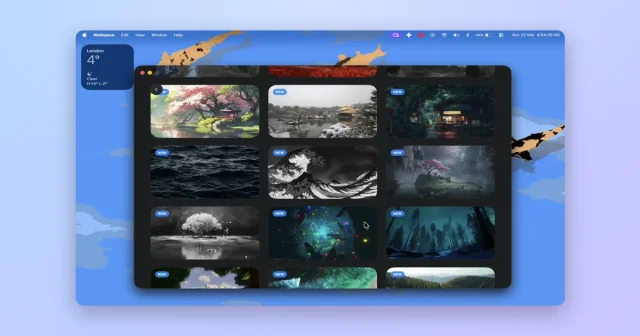
 WallspaceLive video wallpapers for the desktop, and the lock screen on macOS 26.Freemium
 - Backdrop
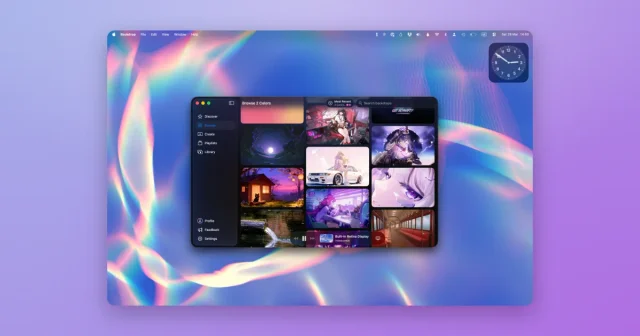
 BackdropVideo and animated wallpapers for the desktop and the lock screen.Freemium
 - VoxelWall
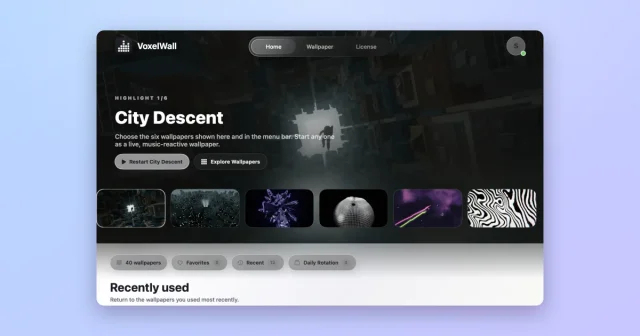
 VoxelWallMusic-reactive live wallpapers for the Mac, rendered live on the GPU.Paid
 - Phosphene
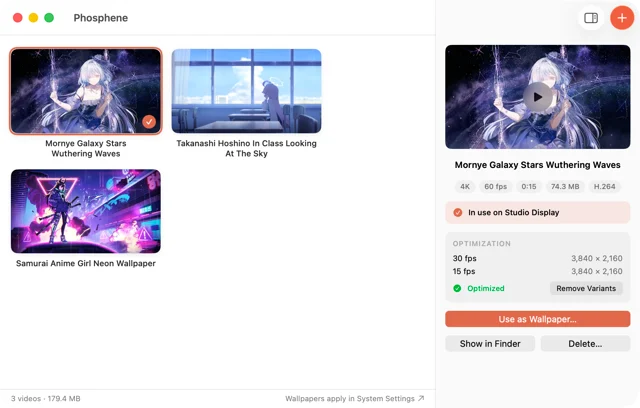
 PhospheneAny video as your desktop and lock screen wallpaper.Free
 - Plash
 PlashUses a website as your desktop wallpaper.Free
 - OpenScreen
 OpenScreenFree, open-source screen recorder with auto zooms, captions and smooth cursors.Free
 - Unsplash Wallpapers
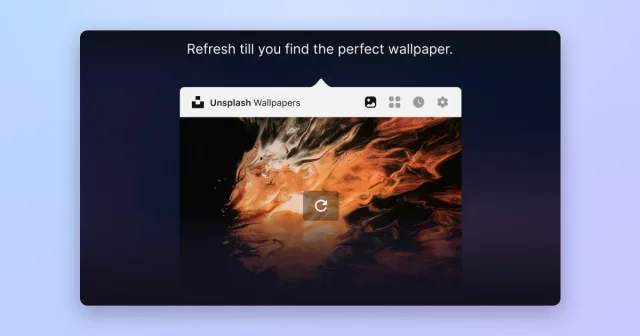
 Unsplash WallpapersFresh desktop wallpapers from Unsplash's curated photo library, changed on a schedule.Free