
Uses a website as your desktop wallpaper.
FreeFree on the Mac App Store, no paid tiermacOS

About
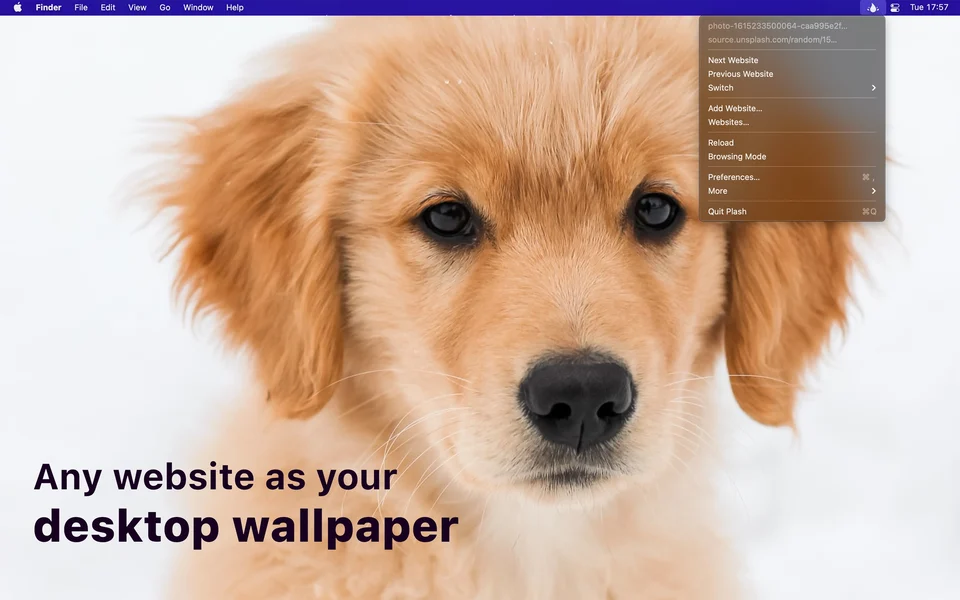
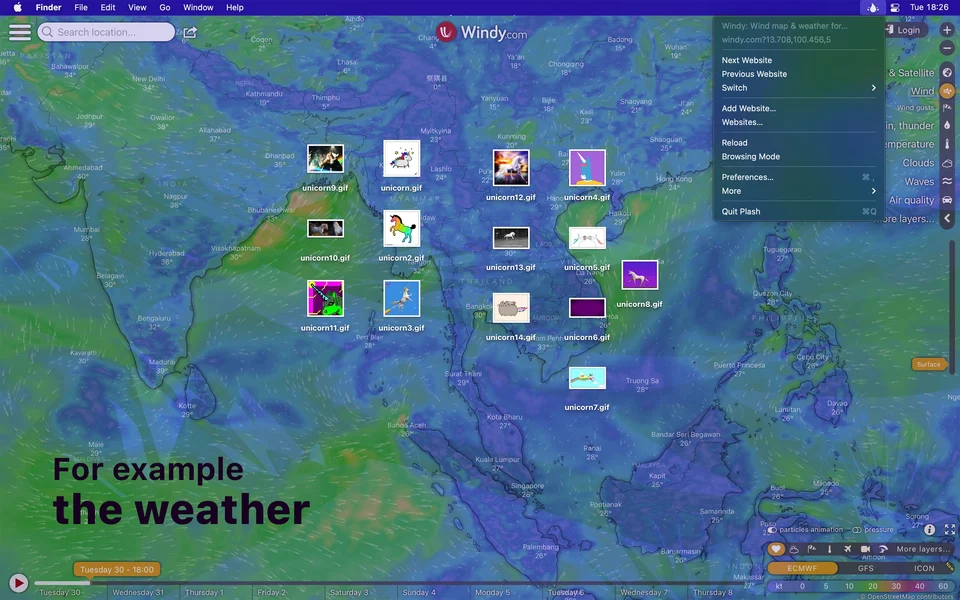
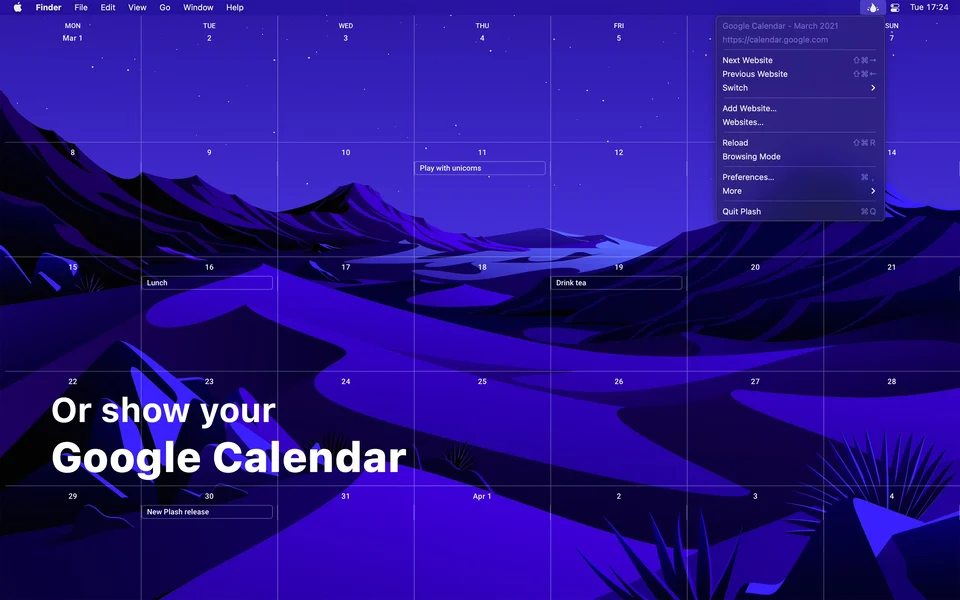
Plash puts a web page on the desktop: a live dashboard, a photo feed, a clock, or a page of your own, updating behind your windows while you work. The page can be browsed and interacted with directly on the wallpaper, and Plash can be driven from the shell. Free and open source, from Sindre Sorhus.
- Price
- Free, Free on the Mac App Store, no paid tier
- Platforms
- macOS
- Category
- Wallpapers & Screensavers
Featured badge
Make Plash yours: show the badge on its site and the listing marks itself as linked back.

HTML
<a href="https://macgrove.app/apps/plash">
  <img src="https://macgrove.app/badge/plash.svg" alt="Featured on MacGrove" width="230" height="32" />
</a>
Markdown
[](https://macgrove.app/apps/plash)Similar apps
- Unsplash Wallpapers
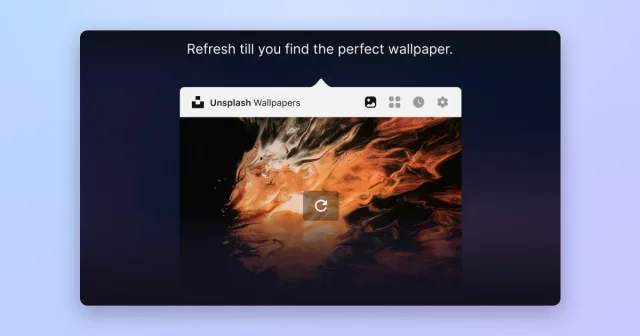
 Unsplash WallpapersFresh desktop wallpapers from Unsplash's curated photo library, changed on a schedule.Free
 - Muro

 MuroLive wallpapers, and now the screen saver too.Free
 - Phosphene
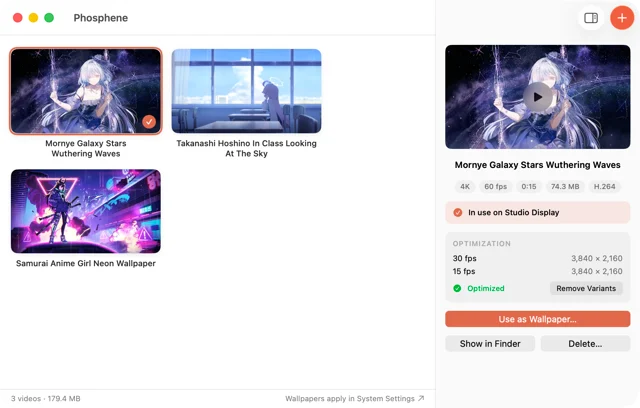
 PhospheneAny video as your desktop and lock screen wallpaper.Free
 - Backspace
 BackspaceCinematic live wallpapers for the Mac desktop and Lock Screen.Paid
 - One Thing
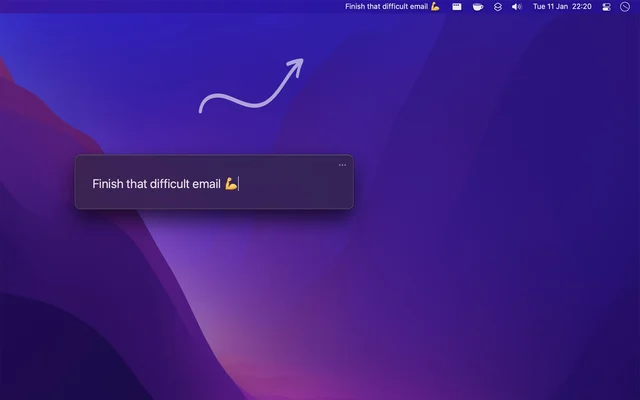
 One ThingPuts exactly one task in your menu bar.Free
 - Backdrop
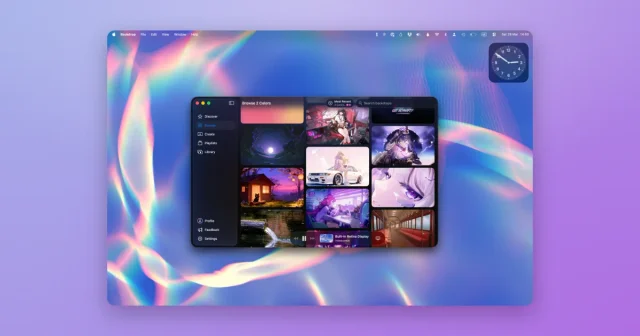
 BackdropVideo and animated wallpapers for the desktop and the lock screen.Freemium
 - Wallspace
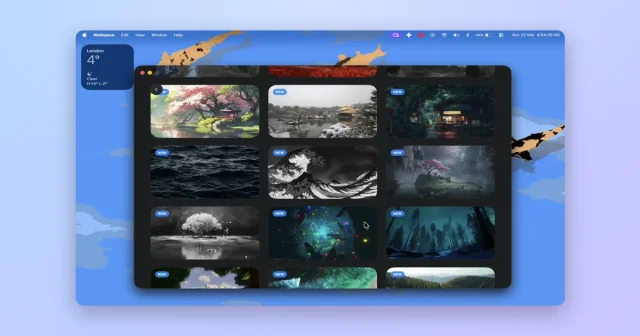
 WallspaceLive video wallpapers for the desktop, and the lock screen on macOS 26.Freemium
 - ScreenPlace
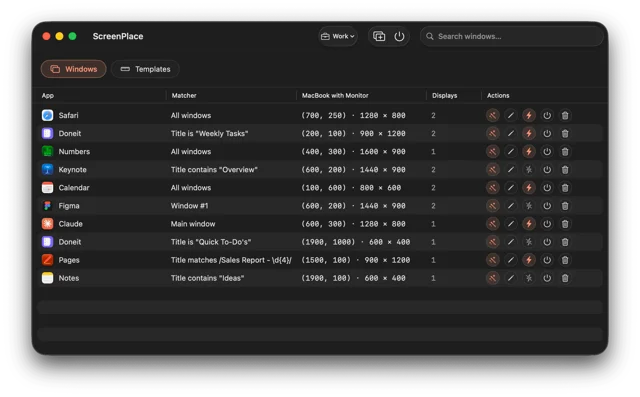
 ScreenPlaceRemembers where every window belongs and puts it back automatically.Freemium