Menu Bar
Yap
v0.1.14
About
Yap is a small open-source dictation tool that sits in the menu bar and turns speech into text in whatever app is focused. It is built in the open, so the model and the pipeline can be inspected rather than taken on trust. It is free.
Featured badge
Make Yap yours: show the badge on its site and the listing marks itself as linked back.

HTML
<a href="https://macgrove.app/apps/yap">
  <img src="https://macgrove.app/badge/yap.svg" alt="Featured on MacGrove" width="216" height="32" />
</a>
Markdown
[](https://macgrove.app/apps/yap)What’s new
All 15 releases0.1.14Latest · 10 days ago
Fixes an app crash some users hit when starting a recording, especially after switching microphones or Bluetooth devices. The audio engine now recovers cleanly instead of taking the app down.
Earlier
0.1.13Fixed dictation intermittently not pasting into Electron-based terminals (e.g. cmux). The clipboard was being restored before the app finished reading the pasted text; it now waits long enough for the paste to land.
- Fixed dictation intermittently not pasting into Electron-based terminals (e.g. cmux). The clipboard was being restored before the app finished reading the pasted text; it now waits long enough for the paste to land.
0.1.12Fixed Bluetooth headsets being held in low-quality call/recording mode while Yap was running. The microphone device is now released as soon as a dictation ends. Thanks @FrenchMajesty.
- Fixed Bluetooth headsets being held in low-quality call/recording mode while Yap was running. The microphone device is now released as soon as a dictation ends. Thanks @FrenchMajesty.
- Fixed the recording waveform not appearing on multi-monitor setups. It now shows on the screen of the app you are dictating into. Thanks @mikehearn.
0.1.11Added a "Show in menu bar" toggle. You can now run Yap from the Dock only, the menu bar only, both, or neither, and drive it on the shortcut alone. Thanks @zodwick.
- Added a "Show in menu bar" toggle. You can now run Yap from the Dock only, the menu bar only, both, or neither, and drive it on the shortcut alone. Thanks @zodwick.
- Fixed a crash when switching microphones during an active recording (extends the earlier device-switch fix to live switches).
- Source
- GitHub releases
- Last checked
Similar apps
- Yap Dictation
 Yap DictationOn-device voice dictation for Apple Silicon Macs.Paid
 - FluidVoice
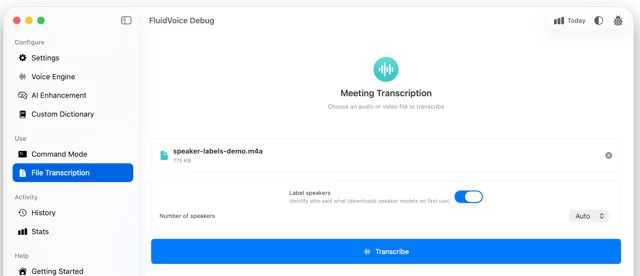
 FluidVoiceFree, open-source dictation that runs on your Mac.Free
 - VoiceInk
 VoiceInkDictation that runs entirely on the Mac.Paid
 - Oriloq
 OriloqSpeech-to-text, dictation and audio transcription for MacFreemium
 - Espanso
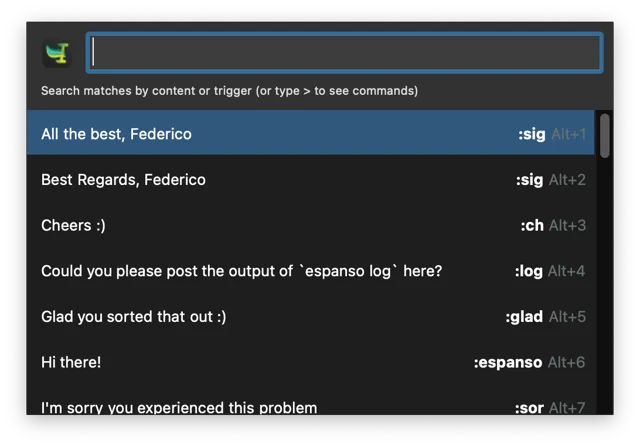
 EspansoText expander configured with plain YAML files.Free
 - Vorssaint
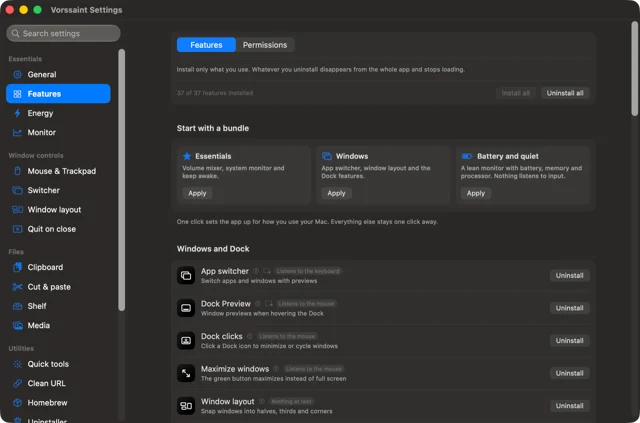
 VorssaintA dozen Mac utilities behind one menu bar icon.Free
 - OpenUsage
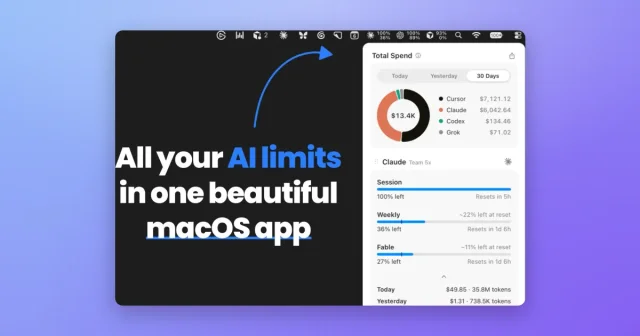
 OpenUsageTop pickTop ratedMenu bar tracker for the usage limits of your AI coding tools.Free
 - Snapzy
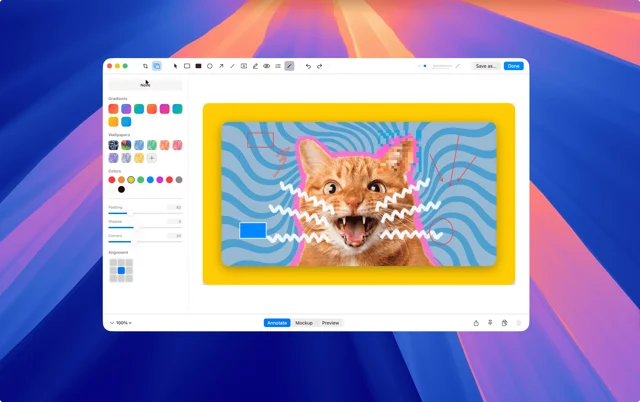
 SnapzyTop pickFree, open-source screenshot and screen recording app.Free