
AeroSpace
An i3-style tiling window manager for macOS, keyboard-first and scriptable.
FreeOpen sourceFree, no paid tier; GitHub Sponsors welcomemacOS

About
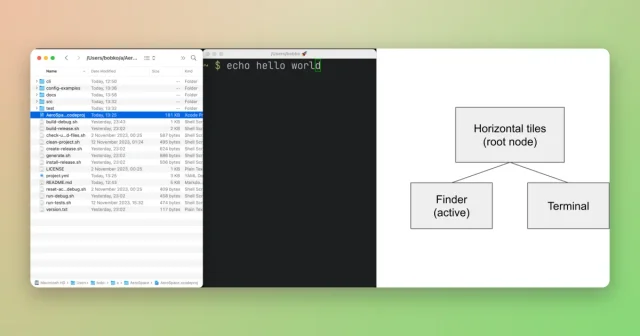
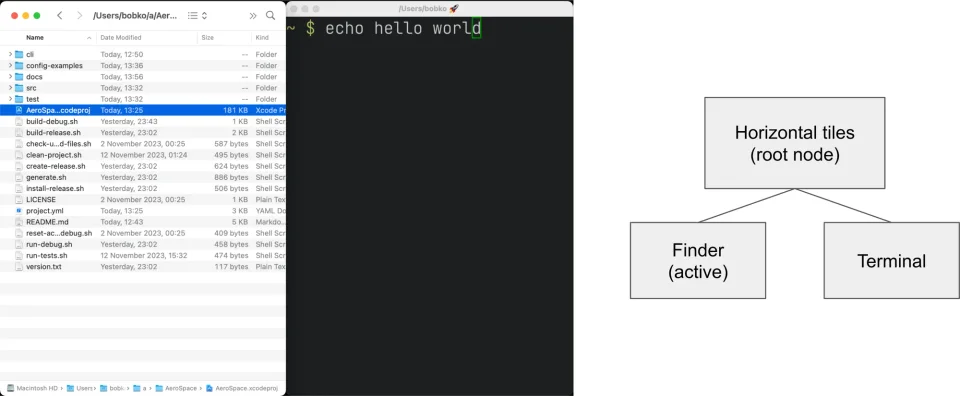
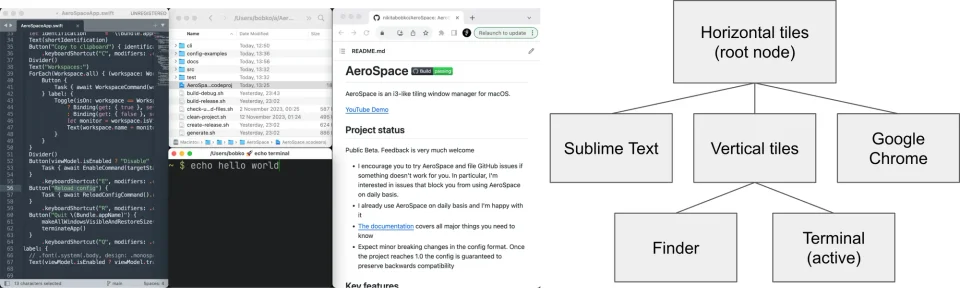
AeroSpace brings i3-style tiling to the Mac: windows are arranged in a tree of containers that never overlap, and every move is a keyboard command rather than a drag. It drops the parts of macOS window management that get in the way, so there are no Spaces to switch between and no animation when a layout changes, which makes rearranging a screen instant and predictable. Configuration is a plain TOML file of bindings and commands, so workspaces, monitor rules and shell commands are yours to define, and the project ships sample configs for the usual layouts. It is for people who miss a Linux tiling window manager and want the same muscle memory, and it needs Accessibility permission plus macOS 13 or later.
- Price
- Free, Free, no paid tier; GitHub Sponsors welcome
- License
- MIT
- Platforms
- macOS
- Category
- Window Management
Featured badge
Make AeroSpace yours: show the badge on its site and the listing marks itself as linked back.

<a href="https://macgrove.app/apps/aerospace">
  <img src="https://macgrove.app/badge/aerospace.svg" alt="Featured on MacGrove" width="269" height="32" />
</a>[](https://macgrove.app/apps/aerospace)Similar apps
- OmniWM

 OmniWMScrolling or tiling layouts, chosen per workspace.Free
 - KiwiDesk

 KiwiDeskA tiling window manager you set up in a Settings window, no config file or SIP changesFree
 - Rectangle
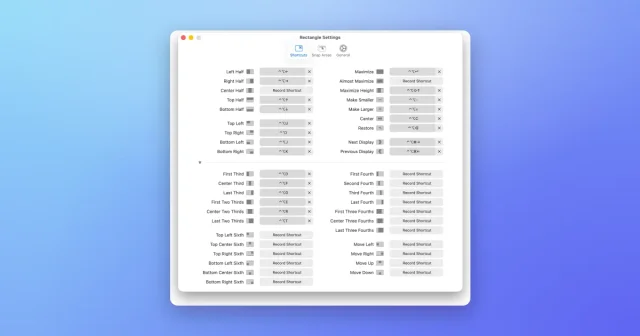
 RectangleMove and resize windows with keyboard shortcuts and snap areas.Free
 - Moom
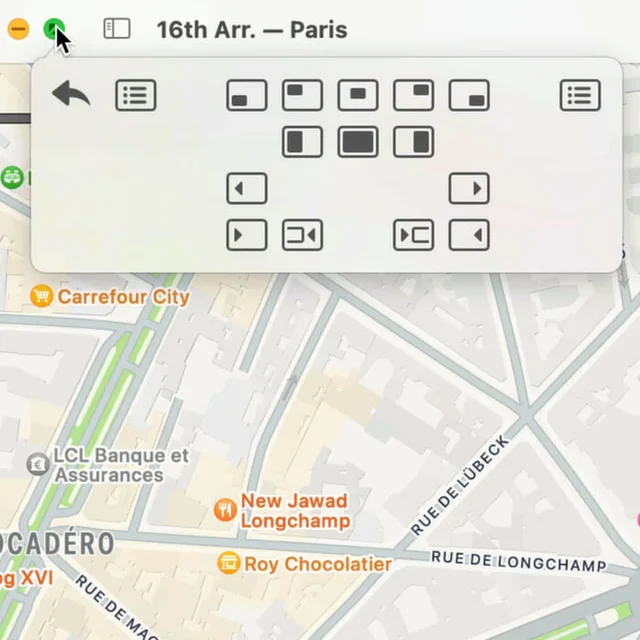
 MoomWindow control from a palette, a shortcut, or the green button.Paid
 - Taskbar

 TaskbarTaskbar for macOS: Windows-style taskbar and Start menuFree
 - ScreenPlace
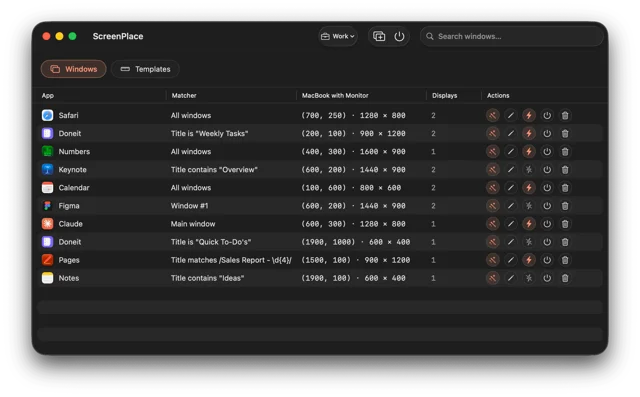
 ScreenPlaceRemembers where every window belongs and puts it back automatically.Freemium
 - Loop

 LoopA radial menu for moving and resizing windows, with live previews.Free
 - SpaceJump

 SpaceJumpName your macOS Spaces and jump between them with a keyboard switcherPaid